Channel silos make client reporting confusing when Meta Ads, Google Ads, GA4, and the client's CRM all show different numbers. A unified Platform Reporting workflow connects top-of-funnel reach (Meta, TikTok, LinkedIn, YouTube), search intent (GSC, Google Ads), web behaviour (GA4), and pipeline outcomes (HubSpot, LeadConnector) into a single narrative.
Key Takeaways
- Explain platform attribution differences upfront so clients understand why Meta Ads, GA4, and HubSpot report different conversion totals.
- Group platform metrics by funnel role: Discovery (Social & Video), Intent (Search & SEO), Conversion (GA4), and Revenue (CRM).
- Use read-only OAuth integrations to keep every client channel synced automatically without broken spreadsheets.
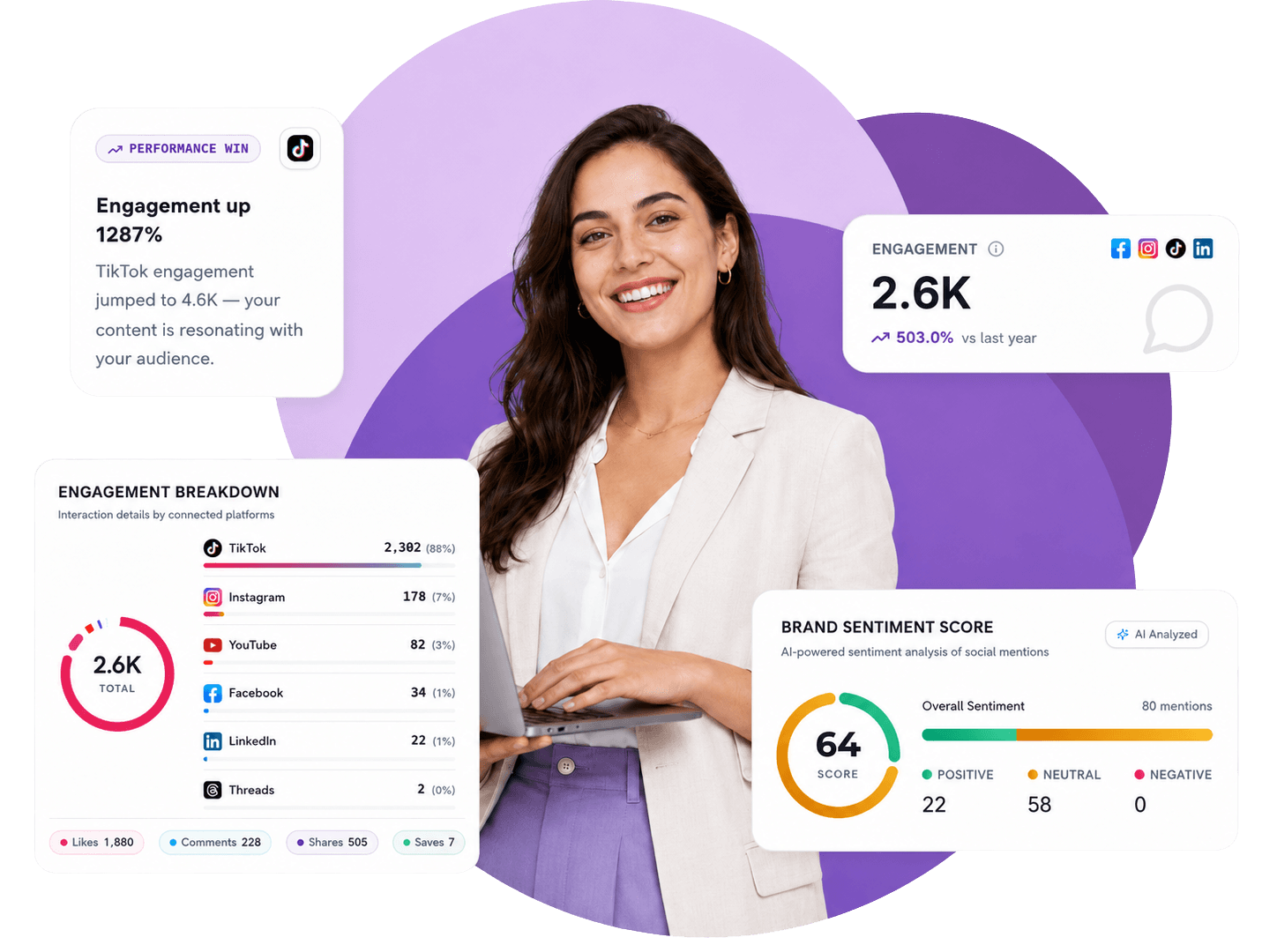
Every multi-channel agency knows the headache of reconciling numbers across six different tabs before a client call. Meta Ads claims 42 conversions, Google Ads claims 31, GA4 attributes 54, and the client’s HubSpot or LeadConnector CRM shows 38 new contacts and 12 won deals.
Without a clear Platform Reporting structure, client calls get derailed by attribution debates instead of focusing on growth strategy.
Mapping each platform to its true role in the client funnel
Instead of presenting eight disconnected platform dumps, organise your multi-channel report around how buyers actually move from discovery to sale:
| Funnel stage | Connected platforms | Key metrics to highlight | Strategic question answered |
|---|---|---|---|
| 1. Demand Generation & Social | Instagram, TikTok, YouTube, LinkedIn, Facebook, Pinterest, Threads | Reach, engagement rate, video hook hold rate, saves/shares | Are we earning attention with the right audience? |
| 2. Paid Acquisition & Search | Meta Ads, Google Ads, LinkedIn Ads, TikTok Ads | Spend, CTR, CPA, ROAS, impression share | How efficiently is paid budget driving high-intent traffic? |
| 3. Organic Search & Local | Google Search Console, Google Business Profile | Impressions, organic clicks, top queries, local calls & direction requests | Are we capturing existing search and local demand? |
| 4. Website & Conversion | Google Analytics 4 (GA4) | Sessions, engaged users, conversion events, landing page CVR | How well does the website convert visitors into enquiries? |
| 5. Pipeline & Closed Revenue | HubSpot, LeadConnector, Airtable | Recorded lead sources, booked appointments, show rate, open pipeline & won deals | What actually turned into sales and revenue? |
How to explain cross-platform numbers to clients with confidence
- Treat the CRM as the commercial scoreboard: Use HubSpot or LeadConnector for the final count of new contacts, appointments, and won deals.
- Use ad and analytics platforms for directional optimisation: Use Meta Ads, Google Ads, and GA4 to see which campaigns, creatives, and keywords influenced those journeys.
- Automate the cross-channel summary: In MyContentLab, AI synthesises signals across all connected platforms so your client gets one cohesive executive story instead of conflicting spreadsheets.
Frequently Asked Questions
Why do GA4 and Meta Ads show different conversion numbers?
Meta Ads uses view-through and click-through attribution tied to logged-in social users, while GA4 uses last-click / data-driven session attribution based on browser cookies. Both views are useful when presented alongside actual CRM leads.
Which platforms can I connect in MyContentLab?
You can connect Google Analytics 4, Google Search Console, Google Ads, Google Business Profile, Meta Ads, Facebook, Instagram, LinkedIn, LinkedIn Ads, TikTok, TikTok Ads, YouTube, Pinterest, Threads, Airtable, HubSpot, and LeadConnector.