
SALES & CRM

Connect marketing activity to sales outcomes

Bring HubSpot and LeadConnector data into MYCONTENTLAB to track sales pipelines, won deals, appointments and lead sources — alongside your marketing performance.

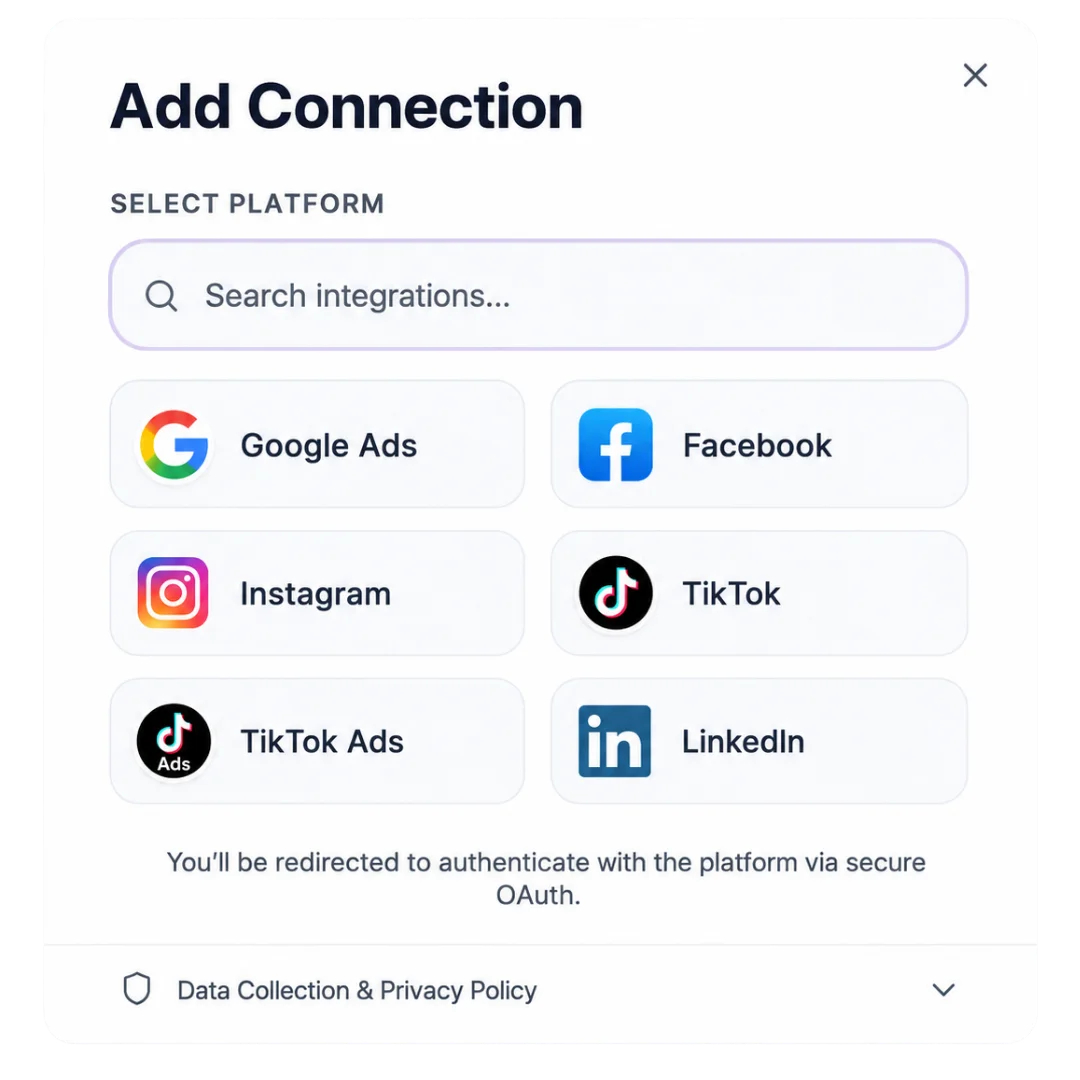
Works with HubSpot and LeadConnector.

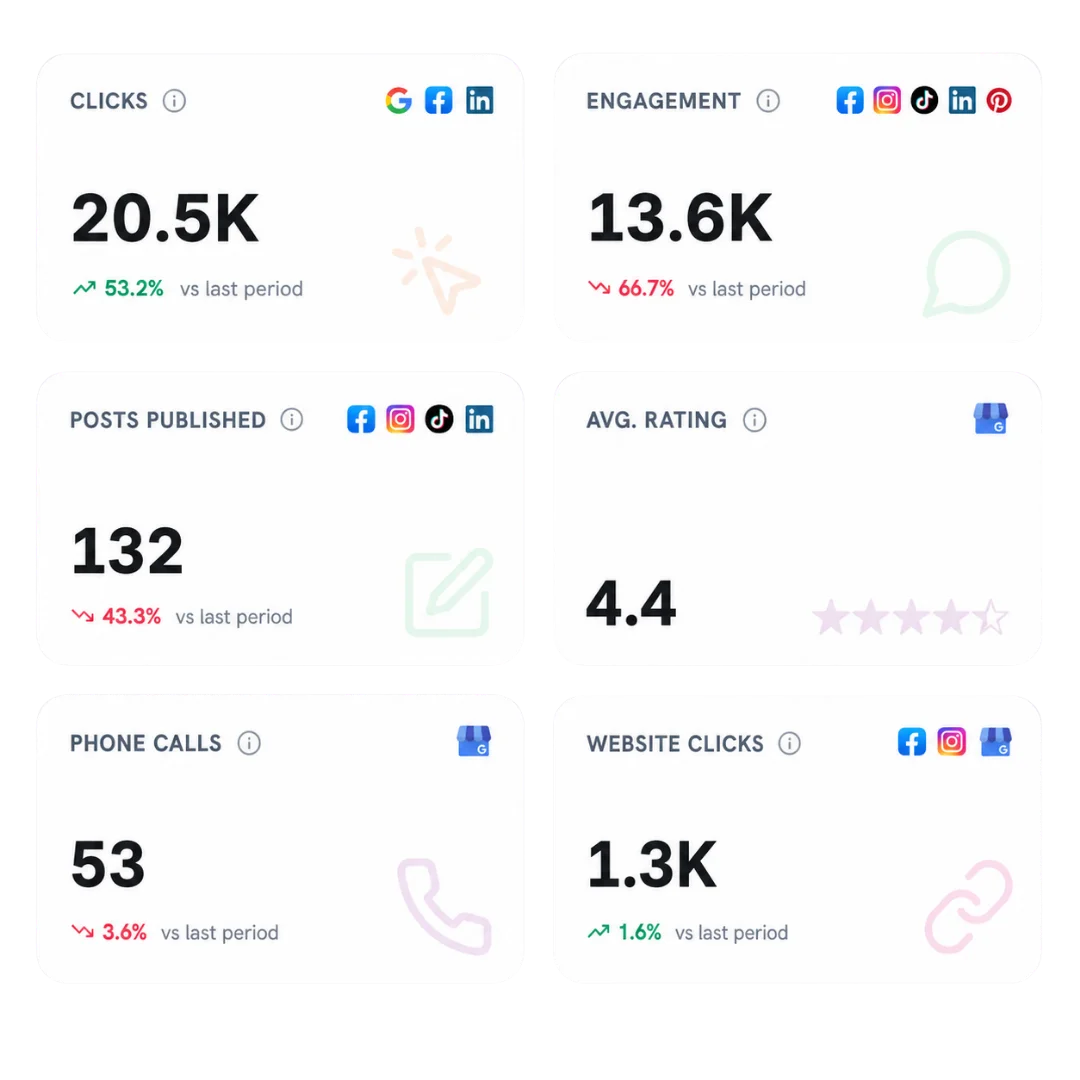
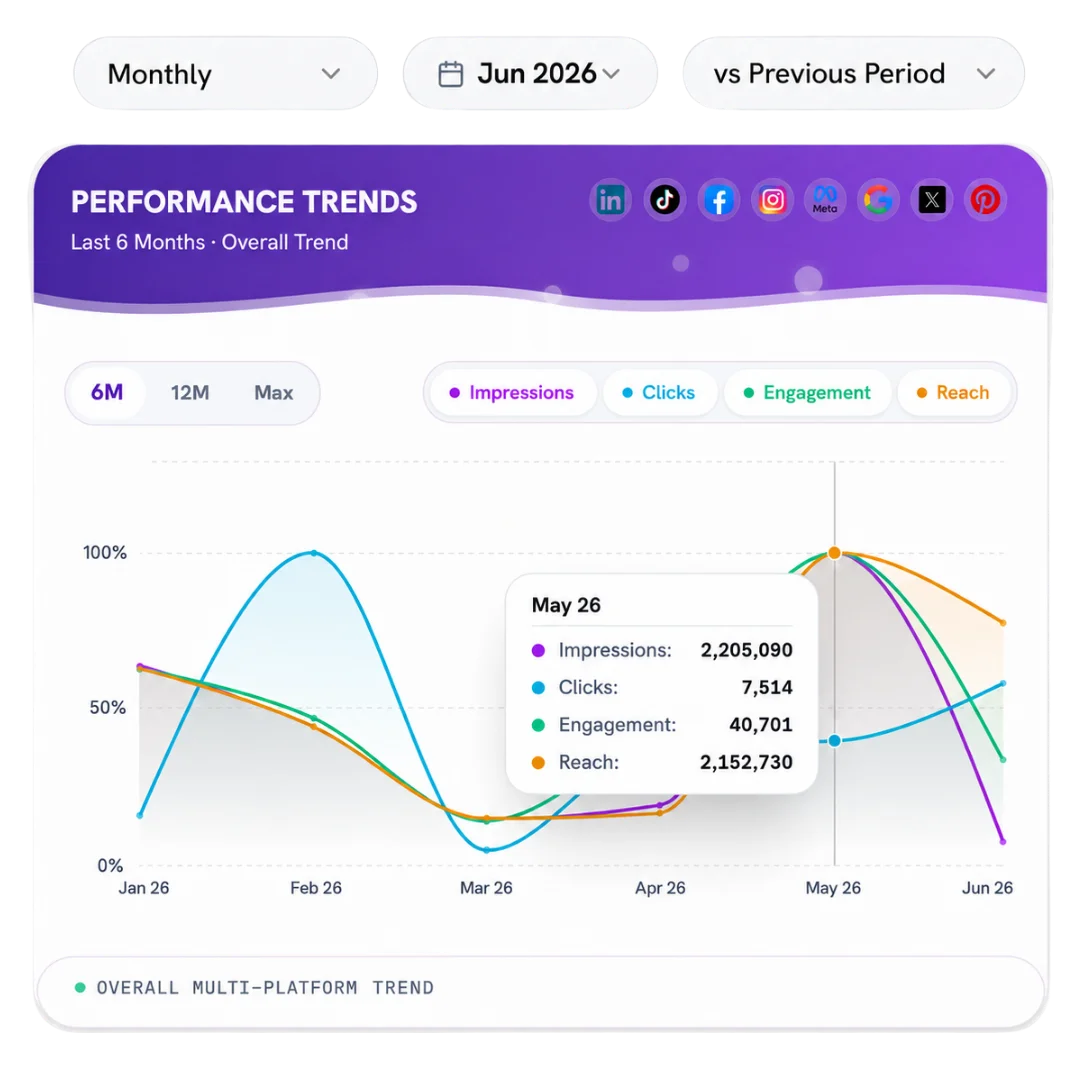
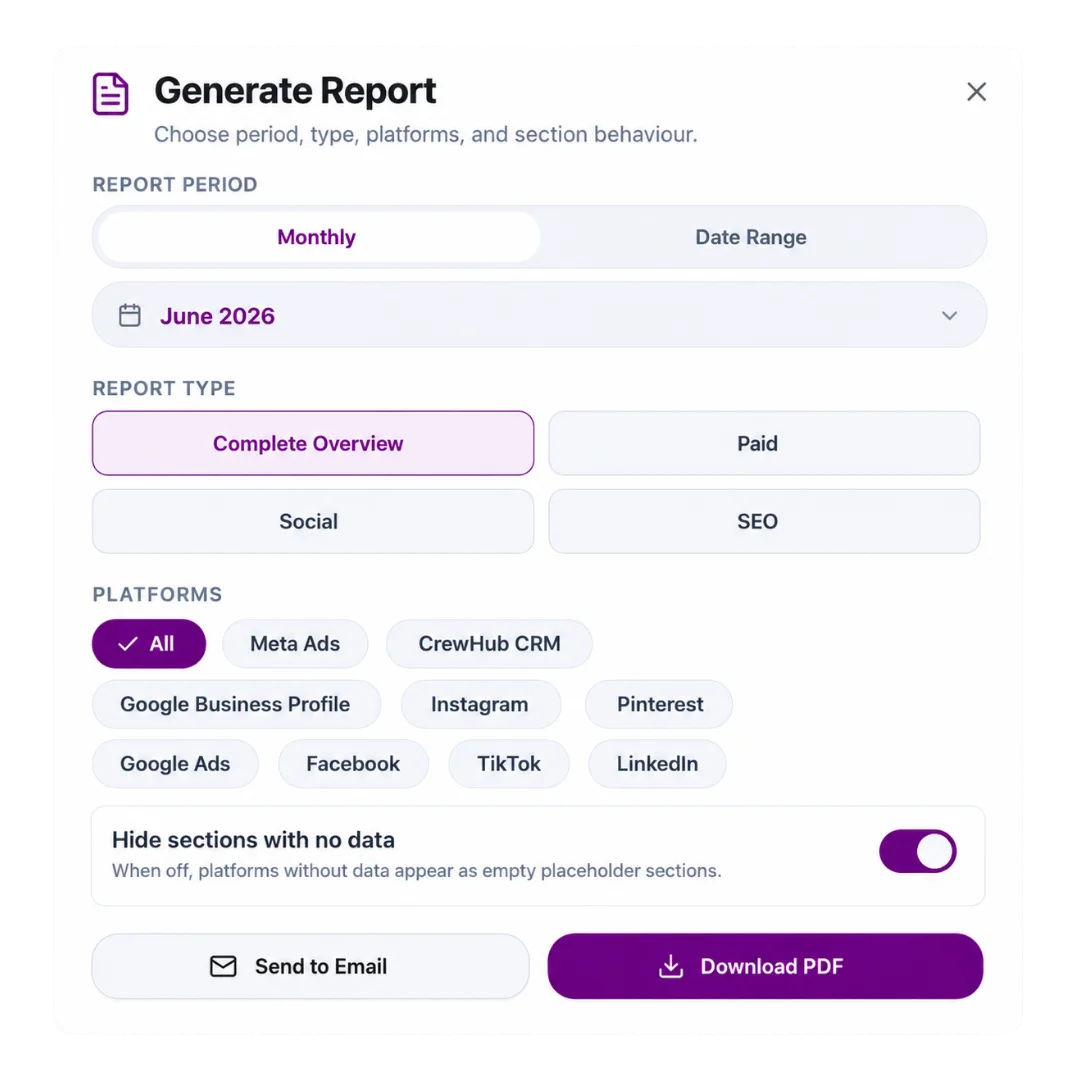
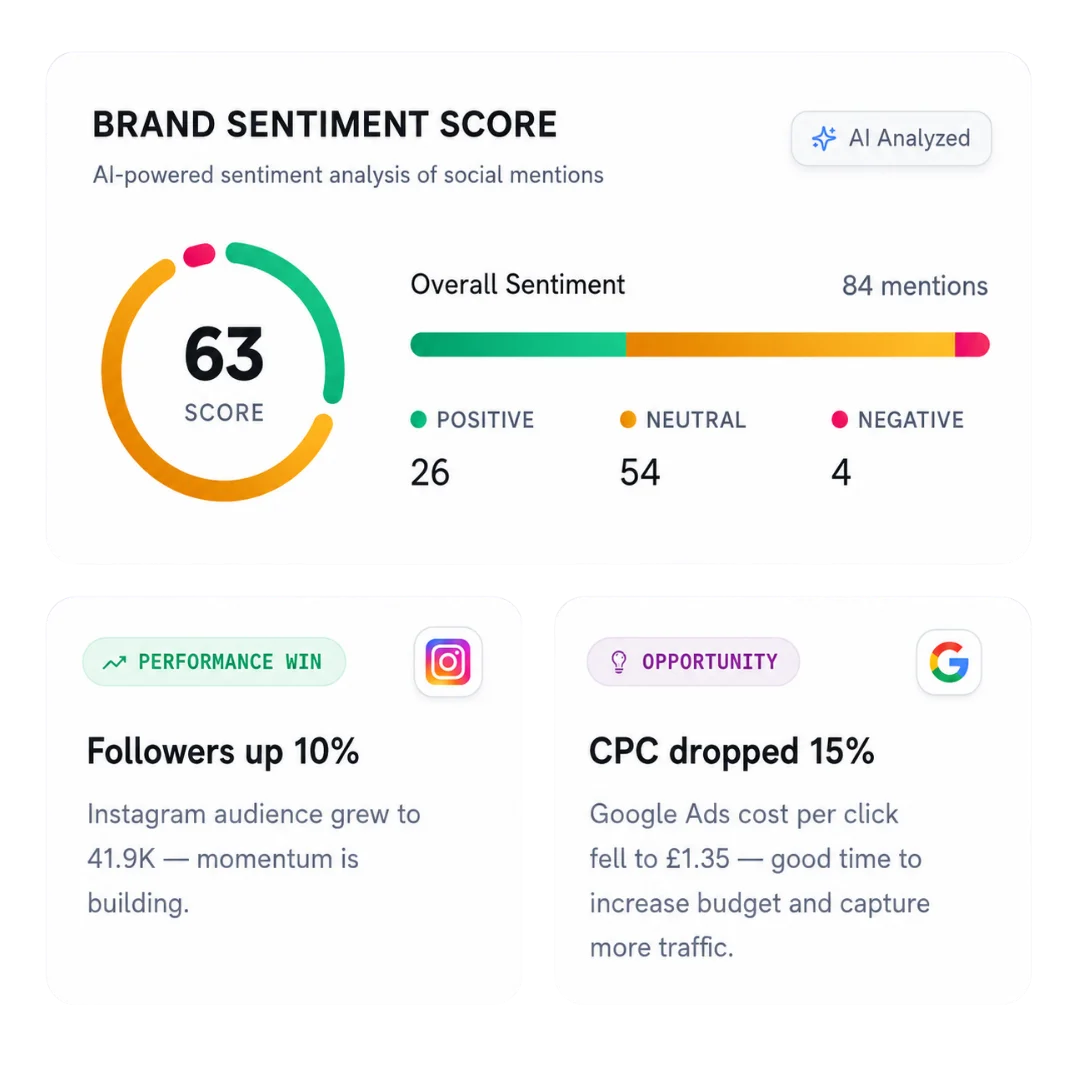
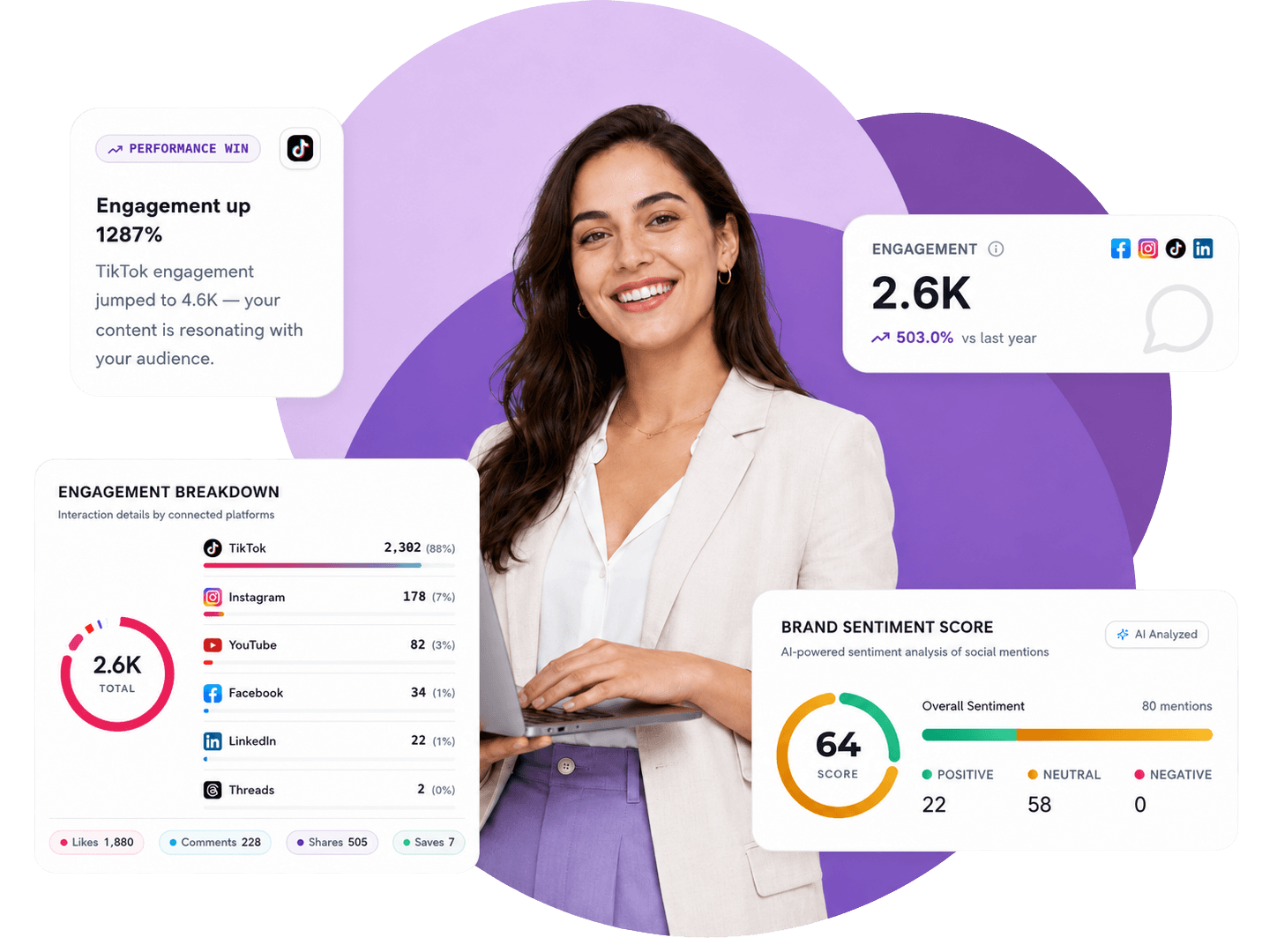
Marketer reviewing sales pipelines, won deals and CRM lead sources alongside marketing performance

MARKETING MEETS SALES

Campaigns generate enquiries. Sales teams turn them into customers.

Connect both sides to understand where leads come from, how opportunities progress and what your client closes.

  • Where do leads come from?

    See recorded lead sources from your connected CRM and add sales context to your marketing results.

  • Where does the pipeline stall?

    Review how open opportunities are distributed across sales stages and spot bottlenecks early.

  • What turns into sales?

    Track won deals, win rates and team performance across your selected reporting period.

  • How are enquiries handled?

    Monitor booked, attended, cancelled and missed appointments alongside lead engagement.

PIPELINE & REVENUE WORKSPACE

See open opportunities, won deals and revenue trends in one workspace

Filter by CRM, pipeline and reporting period to focus on the results that matter.

MYCONTENTLAB Sales & CRM dashboard showing pipeline visibility, sales outcomes and revenue trends
  • Open opportunities distributed across pipeline stages

    Pipeline visibility

    See the value of open deals and how it is distributed across sales stages.

  • Won deals and win rate summaries

    Sales outcomes

    Track won deals and win rates for your selected reporting period.

  • Revenue, won deal value and open pipeline trends over time

    Revenue trends

    Compare revenue, won deal value and open pipeline trends over time.

Stop reporting on clicks without knowing what closed

When marketing reports stop at enquiries and CRM data lives in a separate tab, neither your team nor your client sees the full picture.

Old way

  • Reporting on clicks and enquiries without sales context
  • Chasing clients every month to ask what actually closed
  • Missing lead-source data inside the CRM
  • No visibility into booked, attended or missed appointments
  • Jumping between ad dashboards, spreadsheets and CRM accounts
  • Bring HubSpot and LeadConnector data into one workspace
  • Track open pipeline value, won deals and win rates automatically
  • See recorded CRM lead sources — and where source data is missing
  • Monitor appointments, show rates and time to first conversation
  • Review marketing activity alongside pipeline progress and closed deals

MYCONTENTLAB connects marketing performance and CRM results in one workspace so client reviews cover real business outcomes.

ENQUIRY TO SALE

See what happens between enquiry and sale

Understand how contacts enter the pipeline, how incoming enquiries are handled and how sales teams perform across every stage.

Put lead sources next to sales performance

Bring CRM lead-source data into your reporting to understand how contacts enter the pipeline and add sales context to your marketing results. See which recorded sources bring new contacts into your CRM — and where source information is missing.

  • See recorded lead sources from your connected CRM
  • Understand how new contacts enter the pipeline
  • Spot where lead-source information is missing
  • Add sales context directly to your marketing results
CRM lead sources alongside marketing performance

Appointments & show rates

Track appointments to understand how incoming enquiries are being handled and whether booked calls turn into real conversations.

  • Monitor booked, attended, cancelled and missed appointments
  • Track show rates where appointment outcomes are recorded
  • Review booking volume across your reporting period
  • See how appointments connect to pipeline movement
Appointments breakdown and show rates

Lead engagement & response speed

Track form submissions, conversations started and time to first conversation so you can see how quickly incoming enquiries are followed up.

  • Track form submissions entering your CRM
  • Monitor conversations started with new enquiries
  • Measure time to first conversation
  • Spot follow-up gaps between enquiry and sale
Lead engagement and time to first conversation metrics

Team performance & top open deals

Compare team performance across won deals, lost opportunities, win rates and open pipeline value. Keep your highest-value open deals in view.

  • Compare won deals, lost opportunities and win rates
  • Review open pipeline value across stages and team members
  • Keep your highest-value open deals in view
  • Filter by CRM, pipeline and reporting period
Team performance and highest-value open deals

SUPPORTED CRMS

Works with HubSpot and LeadConnector

Available metrics depend on your connected CRM and the data recorded in your account.

  • HubSpot

    • Sales pipelines & stage distribution
    • Open deal value & won deals
    • Win rates & revenue trends over time
    • Recorded contact lead sources
    • Team & deal owner performance
  • Sales & CRM Hub

    • Filter by CRM, pipeline & period
    • Marketing + sales in one workspace
    • Missing lead-source visibility
    • Meaningful client review metrics
  • LeadConnector

    • Pipelines, stages & deal outcomes
    • Booked, attended, cancelled & missed appointments
    • Show rates where outcomes are recorded
    • Form submissions & conversations started
    • Time to first conversation

HOW IT WORKS

From connected CRM to sales clarity in three steps

Bring your client’s CRM data into MYCONTENTLAB and review pipeline progress, appointments and won deals alongside marketing performance.

Connect HubSpot or LeadConnector to your workspace
  1. Link your supported CRM to your MYCONTENTLAB workspace.

  2. Select the CRM, pipeline and reporting period you want to analyse.

  3. Explore pipeline value, deal outcomes, appointments and lead sources alongside your marketing analytics.

Agency team reviewing marketing activity and CRM sales outcomes

Give your clients the full picture

Bring marketing performance and CRM results together in one workspace, so every client conversation connects campaigns to pipeline progress and closed sales.

CLIENT REVIEWS

Make your next client review more meaningful

Review marketing activity alongside pipeline progress and sales outcomes, so your conversations cover more than clicks and enquiries.

  • How many new contacts entered the CRM?
  • How are opportunities progressing through the pipeline?
  • What did the sales team close during the reporting period?
Client review dashboard with CRM contacts, pipeline progress and closed deals

TURN YOUR DATA

INTO THE NEXT MOVE

MARKETING DATA HUB

Connect 20+ platforms. Turn scattered marketing data into growth insights.

  • Google Business Profile
  • Lead Connector
  • TikTok
  • LinkedIn
  • Facebook
  • Instagram
  • YouTube
  • Meta Ads
  • Google Business Profile
  • Threads
  • Google Search Console
  • Google Analytics
  • LinkedIn
  • Claude
  • Bing
  • Gemini
  • Google Sheets
  • YouTube

FLEXIBLE PRICING

Start small. Scale when your client base grows.

Every plan starts with a 14-day free trial. Add advanced AI modules per client, only when a client needs them.

Creator Plan

£47/month

Billed monthly · cancel anytime

1 client

For creators and small teams starting with reporting and content intelligence.


  • 1 client workspace · 1 team seat
  • 25 Content Lab AI runs / month
  • 10 creative video analyses / month
  • 1,000 social mentions / month
  • Standard email support
  • 14-day free trial

Freelancer Plan

£97/month

Billed monthly · cancel anytime

Up to 5 clients

For solo marketers running branded reports and content workflows across multiple clients.


  • Up to 5 client workspaces · 3 team seats
  • 100 Content Lab AI runs / month
  • 50 creative video analyses / month
  • 10,000 social mentions / month
  • Branded reports + basic branding
  • Priority email support

Agency Plan

£297/month

Billed monthly · cancel anytime

Up to 25 clients · full white-label

For growing agencies that need a custom domain with SSL, full white-label delivery and a dedicated Slack channel.


  • Up to 25 client workspaces · 10 team seats
  • 500 Content Lab AI runs / month
  • 250 creative video analyses / month
  • 50,000 social mentions / month
  • Full custom domain + SSL, full white-label
  • Dedicated Slack channel

Enterprise Plan

£497/month

Billed monthly · cancel anytime

Unlimited clients

For larger teams that need unlimited client capacity, a dedicated listening cluster and a dedicated account manager.


  • Unlimited client workspaces
  • Custom seats, AI runs and video analyses
  • Dedicated social listening cluster
  • Dedicated multi-domain white-label
  • Custom report templates
  • Dedicated account manager

Questions about Sales & CRM in MYCONTENTLAB

Everything you need to know about connecting HubSpot and LeadConnector, tracking pipelines and appointments, and reviewing CRM results alongside marketing analytics.

Biały czarodziej w fioletowym kapeluszu, którego oczy śledzą kursor

MYCONTENTLAB currently works with HubSpot and LeadConnector. You can link your supported CRM to your workspace and filter by CRM, pipeline and reporting period.

You can track open opportunities across sales stages, open pipeline value, won deals, lost opportunities, win rates, revenue trends and highest-value open deals.

Yes. Depending on your connected CRM and recorded data, you can monitor booked, attended, cancelled and missed appointments with show rates, as well as form submissions, conversations started and time to first conversation.

MYCONTENTLAB pulls recorded lead-source data from your connected CRM so you can see which sources bring new contacts into the pipeline — and identify where source information is missing.

Available metrics depend on your connected CRM and the data recorded in your account. For example, appointment outcomes, form submissions and conversation response times are surfaced where recorded by the CRM.

No. Connections are read-only and used to bring pipeline, appointment, lead-source and deal outcome data into your reporting workspace.