Top 3 Looker Studio Alternatives 2026
Explore 3 Looker Studio alternatives and decide which data visualisation tool fits your needs best for effective reporting in 2026.
Compiling marketing campaign results across channels wastes hours switching tools and reformatting data for client reports. Many reporting tools hide pricing, limit native integrations, or separate analytics from content and creative prompts. Marketing agencies and teams can identify which reporting software truly matches their integration and workflow needs without sticking to Looker Studio.
Table of Contents
MyContentLab
At a Glance
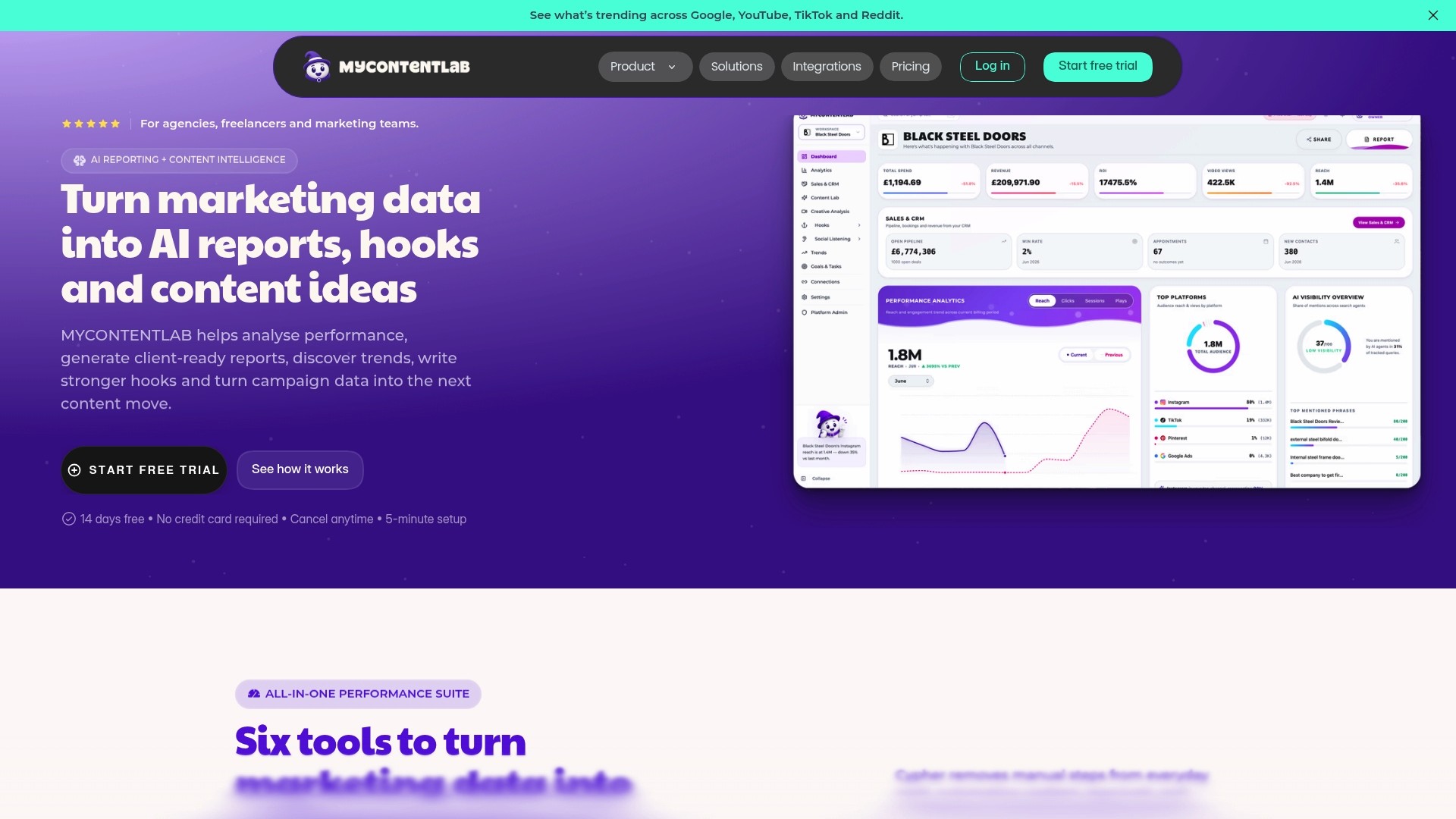
Generates branded client reports and social hooks from live campaign data inside one unified workspace. The tool pairs performance analysis with trend discovery and social listening to surface content ideas. That setup helps teams produce reports and creative prompts without switching between separate tools.
Core Features
Mycontentlab combines AI driven campaign performance analytics with tools for content ideation and creative analysis, so you can move from data to concepts in one place. It includes trend and social listening across platforms and automated branded reporting to produce client ready dashboards and summaries. The suite also creates hooks for videos and social posts and offers workflow automation to reduce manual report preparation.
Key Differentiator
The platform’s defining trait is its unified workspace that links analytics, ideation, and reporting. That single environment lets an analyst turn performance anomalies into content ideas and then package those ideas into client reports without exporting data. The integration of creative prompts with live metrics is what separates Mycontentlab from reporting only tools.
Pros
Mycontentlab simplifies complex marketing tasks by combining reporting and creative tools into one workspace, which reduces context switching for teams. Automated, branded report generation cuts the time spent assembling client decks and supports agency scale. The AI powered summaries highlight performance patterns and suggest content angles, which helps smaller teams produce more focused campaigns. White label options allow agencies to deliver reports under their own branding.
Cons
Can be costly for small teams or individual practitioners, particularly when you compare entry needs to agency scale plans.
Who It's For
Marketing agencies, freelancers, and in house marketing teams that manage multiple client accounts will get the most value. Teams that rely on social listening to shape creative briefs and that need repeatable, branded reporting workflows will benefit. Solo creators with minimal reporting demand may find the price point less suitable.
Unique Value Proposition
Generates content ideas and client reports from the same data source, so a single analyst can produce both insight and creative direction. That reduces handoffs between reporting and creative teams and shortens the time from insight to publish. For agencies handling many accounts, this reduces staff hours spent converting metrics into client friendly narratives.
Real World Use Case
An agency uses Mycontentlab to manage 15 clients, pulling social listening and engagement metrics into one workspace. Analysts spot trending topics, generate tailored hooks for each client, and export white label reports for weekly review. The result is faster turnaround on content briefs and tighter alignment between performance and creative work.
Pricing
Plans start at £47/month for individual creators and scale up to £497/month for unlimited clients and enterprise features. Pricing tiers reflect seat counts, client allowances, and enterprise functionality.
Website: https://mycontentlab.ai
Whatagraph
At a Glance
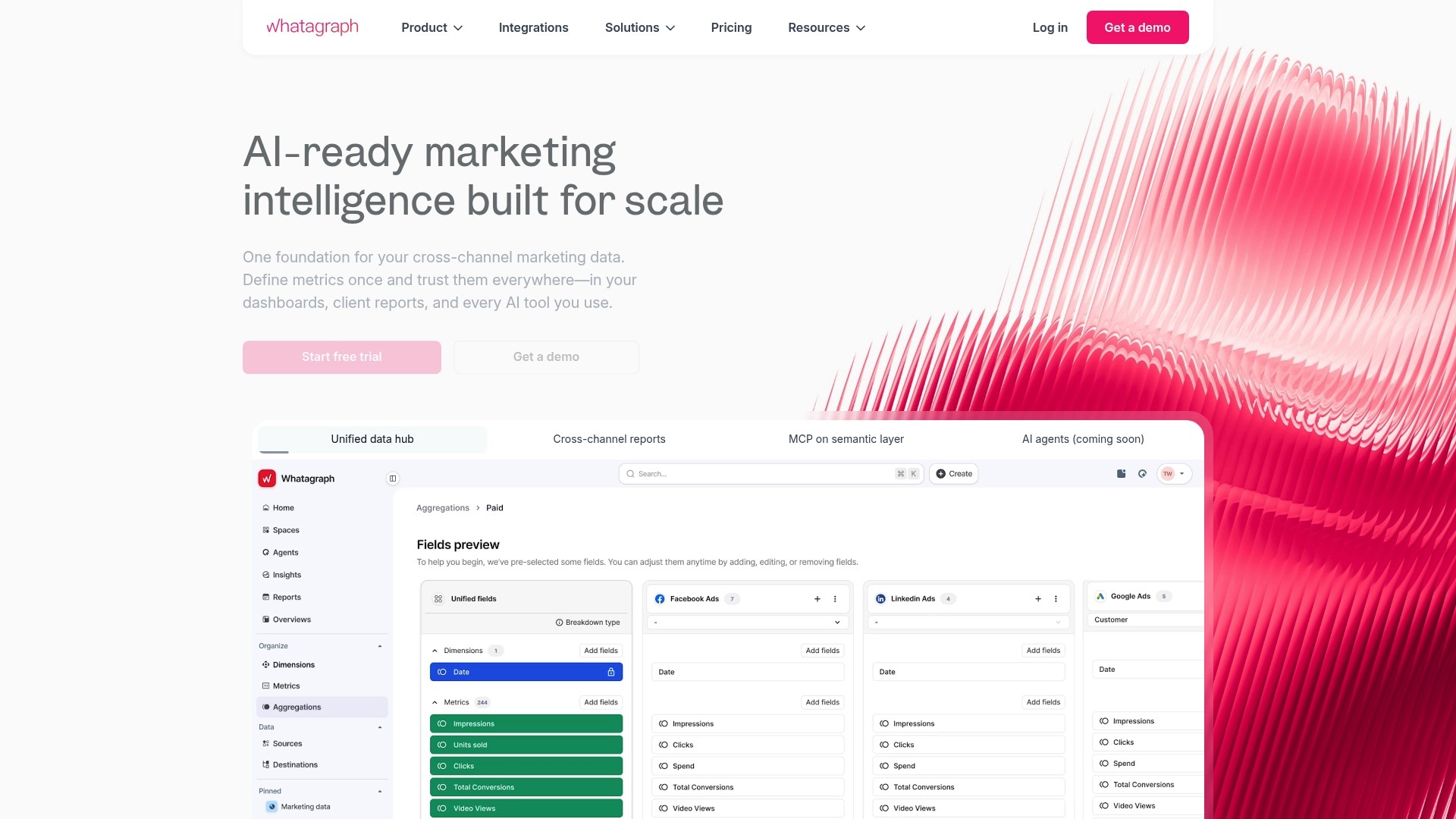
Whatagraph offers native integrations with 60+ marketing platforms, including Google Ads and HubSpot, which reduces the need for separate connectors. Whatagraph reports it is trusted by over 1,000 agencies and brands worldwide. The platform combines data consolidation, AI driven insights, and scheduled reporting, cutting manual reporting work.
Core Features
Whatagraph connects natively to dozens of sources and also accepts custom connections via API, Google Sheets, and BigQuery, which helps when a source lacks a prebuilt connector. The no code data transformation engine standardises naming, creates calculated metrics, and blends data sources. Automated delivery options include scheduled emails, password protected dashboards, live links, and an AI chat feature for on-dashboard queries.
Key Differentiator
Whatagraph centres its product around built in AI features that generate insights and run audits inside the platform. That approach reduces reliance on SQL, middleware, or engineering for routine reporting. The vendor positions the AI first so agencies can scale reporting without hiring technical staff.
Pros
The platform consolidates marketing data from multiple channels into a single view, saving hours usually spent on manual exports and spreadsheets. Whatagraph’s AI driven reports and summaries speed up the production of client deliverables and highlight underperforming campaigns. It supports custom API connections alongside many native connectors, which suits campaigns with bespoke data sources. The product includes role based access control and enterprise governance features for teams handling client accounts and multiple regions.
Cons
Initial setup can feel complex for teams without a dedicated analyst, and several third party reviews mention a learning curve.
Pricing tiers and specific costs are not publicly detailed, which makes budget planning harder for smaller teams.
Some users report occasional connector disruptions or data sync issues, which may require troubleshooting.
When It May Not Fit
Small teams that need clear upfront pricing may struggle because public pricing is not available. Organisations wanting minimal setup and no onboarding may find the initial configuration too involved. Teams that demand guaranteed near real time sync across every niche connector should test reliability for their specific sources.
Notable Integrations
Google Ads
Facebook Ads
HubSpot
Shopify
Mailchimp
BigQuery
Google Sheets
Instagram
Who It's For
Marketing teams and agencies that need a unified platform to collect, transform, and report on campaign data without heavy engineering. Teams with mixed-platform campaigns and regional governance needs will benefit from role based access control. Agencies that produce regular client reports and want to reduce manual report assembly will gain most.
Real World Use Case
A digital marketing agency consolidates Google Ads, Facebook Ads, and HubSpot into Whatagraph, then schedules weekly performance reports for clients. The team uses the AI driven summaries to surface optimisation ideas and to flag declining metrics to account managers. Password protected dashboards keep client data separate while live links let stakeholders view current numbers.
Pricing
Pricing is not publicly detailed. The vendor indicates subscription tiers and enterprise options exist, but specific figures are not listed. Prospective buyers should contact sales for tailored quotes and plan details.
Website: https://whatagraph.com
Analytics Canvas
At a Glance
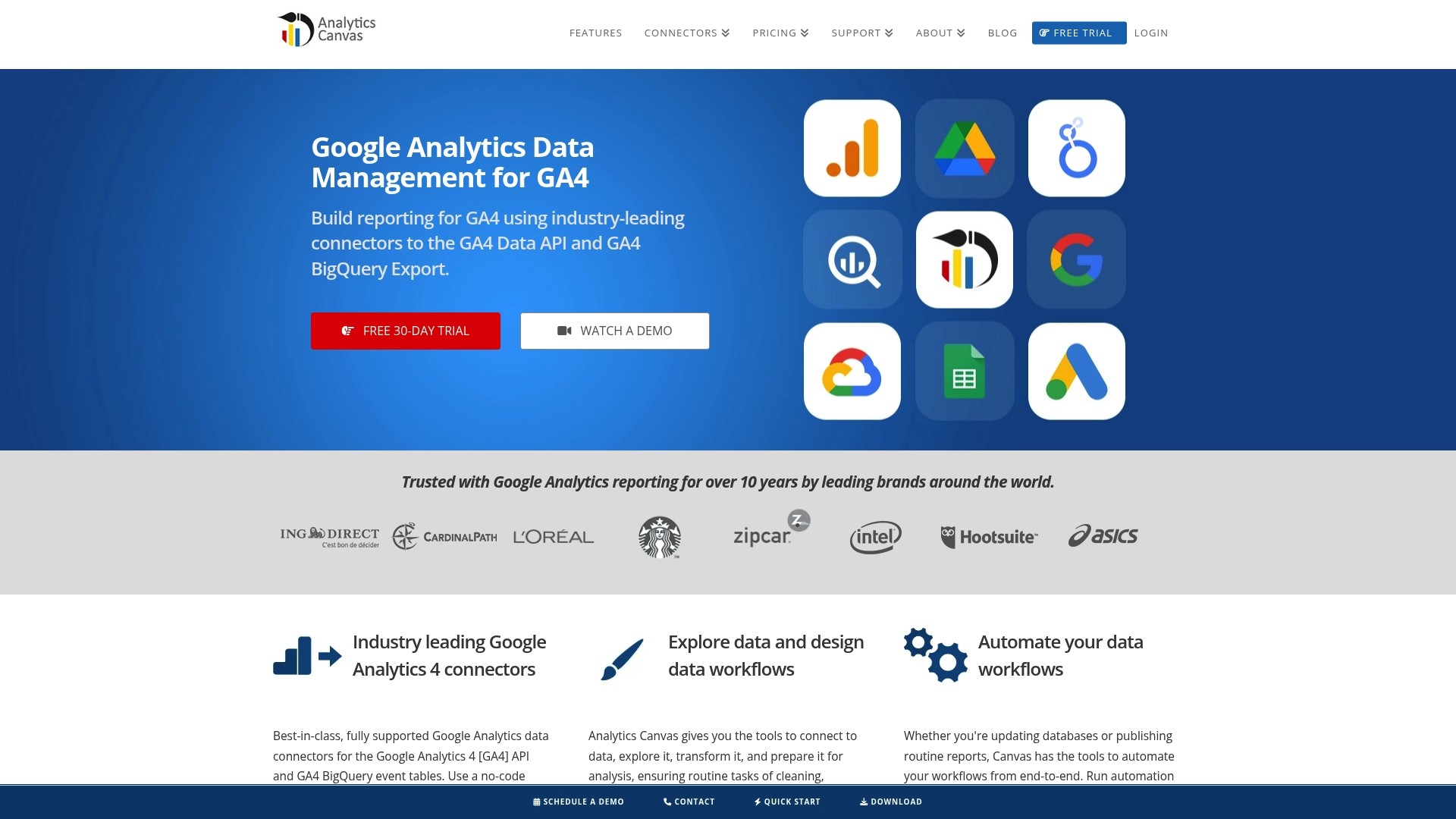
Analytics Canvas advertises support for very large datasets, including billions of rows, and offers scheduled automation for GA4 and BigQuery workflows. The platform centres on a visual, no code workflow builder that moves data from collection to delivery without scripting. That focus makes it practical for teams that run recurring, high-volume reporting tasks.
Core Features
The product provides a visual, no code data workflow builder that connects to GA4 API, BigQuery, Data Studio, Tableau, Excel, and common databases, letting you extract and transform data in one flow. It includes data blending, cleaning, and incremental update capabilities that suit large datasets, plus scheduling and automation to run workflows on a set timetable. These pieces link so you can prepare data for dashboards or BI tools without manual exports.
Key Differentiator
The vendor positions Analytics Canvas around its connectors for GA4 API and BigQuery combined with a visual query builder that handles complex transformations at scale. That emphasis means teams can build large extract, transform, and load workflows visually rather than constructing SQL by hand. The approach targets heavy GA4 and BigQuery pipelines where manual processes slow reporting.
Pros
Analytics Canvas has a clear strength in connecting multiple analytics systems and BI tools. The no code builder shortens setup time for recurring reports and reduces hand edits that introduce errors. Support for very large datasets suits enterprise reporting and historical restores, and scheduling automations cut the hours spent on routine exports. The range of connectors also makes it easier to blend CRM, analytics, and database sources into a single output for Looker Studio or Tableau.
Cons
Pricing details are not fully specified beyond a starting figure, which may mask add‑on costs or seat tiers.
Complex workflows can require a learning curve or vendor support to tune performance and schedules.
The product documentation does not advertise AI or predictive analytics features, which limits modelled forecasting inside the tool.
When It May Not Fit
Small teams or solo practitioners with tight budgets may find the starting price a barrier compared with free connectors. Projects that need built‑in predictive models or AI-driven recommendations will need a separate tool. If your reporting demands only occasional, lightweight extracts, this tool may offer more capability than you require.
Who It's For
This product suits data analysts, marketing teams, and IT professionals at medium to large organisations that run frequent GA4 and BigQuery workflows. Agencies that must deliver client dashboards and restore historical Universal Analytics data will find the scheduling and blending features useful. Teams that prefer a visual builder over SQL will get the most value.
Real World Use Case
A digital marketing agency automates daily GA4 extraction, blends it with CRM lifecycle fields, and writes consolidated tables to BigQuery for Looker Studio dashboards. The automation reduced manual report assembly from hours to minutes and kept historical exports consistent across clients.
Pricing
The vendor lists pricing starting at $49/month and offers a free trial. Exact tier limits, seat counts, and enterprise fees are not itemised in the public summary, so confirm plan caps and connector availability when budgeting.
Website: https://analyticscanvas.com
Comparison of alternatives
For marketing teams and agencies, choosing the right reporting tool requires weighing factors like functionality integration, data compatibility, and pricing. To delineate the differences, we analyse three notable platforms: MyContentLab, Whatagraph, and Analytics Canvas.
Functionality and core features
MyContentLab effectively combines data analytics with creative ideation, a unique feature among competitors. Its ability to provide trend analysis and create branded client reports in one platform ensures smoother operation transitions. Whatagraph offers a diverse range of native integrations and supports custom API connections, beneficial for managing various data sources without technical requirements. Analytics Canvas specialises in handling high-volume workflows and scalable data transformations, facilitating organisations requiring advanced data operations.
Pricing and affordability
Pricing varies among the tools. MyContentLab starts at £47/month, targeting creatives and agencies with scalable pricing. While Whatagraph does not disclose its pricing publicly, potential customers need to directly contact sales. Analytics Canvas provides transparency in pricing, beginning at $49/month, aligning more with individual users and entities handling extensive data collections.
Best fit
Agencies managing multiple clients needing insightful content reports and trend-focused analysis will find MyContentLab transformative.
Those focused on versatile data integration and minimal technical involvement will benefit from Whatagraph’s wide connector support and simplified usability.
Enterprises tackling large datasets and complex data workflows will prefer Analytics Canvas for its advanced operational capabilities and scalability.
Our pick
While each platform serves distinct needs, MyContentLab uniquely supports agencies by merging powerful analytical tools with creative report generation in one environment. This singular capability to bridge data insights with creative executions ensures teams can operate cohesively. However, teams requiring more budget-friendly or extensive dataset capabilities might consider Analytics Canvas or Whatagraph as viable alternatives.
Evaluate features, cost, and focus areas to find the best alternative that streams campaign analysis and creative workflows together.
Product Name | Key Feature | Ideal For | Pricing | Limitation |
|---|---|---|---|---|
Mycontentlab | Unified workspace for analytics, ideation, and branded reporting | Marketing agencies and teams with clients | £47/month to £497/month | Higher cost for individual or small team users |
Whatagraph | Native integrations with 60+ marketing platforms | Agencies reducing manual report work | Price not published | Setup may require assistance and have reliability issues |
Analytics Canvas | Visual no-code workflow builder for complex data transformations | Teams running large-scale data workflows | $49/month with free trial | May be overpowered for lightweight or occasional reporting needs |
Are Looker Studio Alternatives Meeting Agency Needs?
Marketing agencies, freelancers, and in-house teams often face challenges in transforming scattered marketing metrics into clear, client-ready reports while also generating fresh content ideas. Many reporting platforms focus solely on data display, leaving a gap between performance insight and creative direction. Mycontentlab addresses this by combining AI powered campaign analysis with branded reporting and content ideation in one workspace. This reduces manual effort, cuts turnaround times, and helps teams spot trends that shape tailored strategies.
Explore how Mycontentlab can simplify your reporting and creative workflows. Its unified environment lets a single analyst generate both insightful summaries and engaging hooks. Visit Mycontentlab and see how it supports marketing professionals managing multiple client accounts with automated, branded reports and social listening.
FAQ
What reporting capabilities does Mycontentlab offer?
Mycontentlab generates automated, branded client reports that help agencies produce comprehensive dashboards and summaries. The platform's defined feature of automated branded reporting significantly reduces the time spent assembling client decks. This capability allows marketing teams to focus more on performance rather than report preparation.
How does Mycontentlab compare with Whatagraph for data integration?
Whatagraph provides native integrations with over 60 marketing platforms, which can streamline data collection for teams reliant on varied sources. In contrast, Mycontentlab’s strength lies in its unified workspace that combines analytics and content ideation without the need for separate connectors. This design makes Mycontentlab a better fit for agencies looking specifically for a combined analytic and creative reporting solution.
Which platform supports larger datasets better, Mycontentlab or Analytics Canvas?
Analytics Canvas is designed to support very large datasets, even billions of rows, making it ideal for enterprise-level reports. While Mycontentlab is efficient for smaller teams, it does not primarily focus on handling large data volumes. Users needing to manage substantial datasets may find Analytics Canvas more fitting for their requirements.
Can I use Mycontentlab for social listening and content ideation?
Mycontentlab indeed includes social listening features that uncover trending topics and generate content ideas based on real-time performance data. Its integration of creative prompts with live metrics differentiates it from many standard reporting tools, making it suitable for teams focused on content creation informed by analytics.
What pricing plans does Mycontentlab offer for small teams?
Mycontentlab starts at £47 per month for individual creators and scales to £497 per month for unlimited clients and enterprise features. This tiered pricing ensures that marketing agencies of various sizes can find a plan that suits their needs and budget.
Recommended


Jul 19, 2026


Search



You can also read
Category
All
Compare
Marketing Reporting
Agency Operations
Content Intelligence
Brand Monitoring
Platform Reporting