SEO position tracking: a practical guide for 2026
Master SEO position tracking with our practical guide for 2026. Learn to monitor keyword rankings and connect SEO efforts to real results.
TL;DR:
SEO position tracking monitors your website's keyword rankings across devices and locations to connect SEO efforts with business results. Regular tiered reviews help identify real changes, while integrating data from tools like GSC and GA4 ensures accurate insights into search visibility. Building a historical keyword ranking profile and combining it with traffic and conversion data optimizes your SEO strategy over time.
SEO position tracking is the systematic monitoring of your website's keyword rankings across devices, locations, and search engine features to connect your SEO efforts with measurable business outcomes. Known formally as rank tracking or SERP position monitoring, it gives digital marketers and SEO professionals the clearest signal of whether their work is actually moving the needle. Without it, you are making decisions based on instinct rather than evidence. This guide covers tool selection, configuration, review cadence, and how to tie ranking data to results that clients and stakeholders actually care about.
What is SEO position tracking and why does it matter?
SEO position tracking is defined as the regular, automated recording of where your web pages appear in search engine results pages (SERPs) for a defined set of keywords. The industry standard term is rank tracking, and it sits at the core of any credible SEO reporting workflow. Position data alone tells you very little. The real value comes when you combine it with traffic, engagement, and conversion data from tools like Google Search Console (GSC) and Google Analytics 4 (GA4).

Rank tracking matters because Google's algorithm updates, competitor activity, and technical changes on your own site all shift rankings constantly. A page that ranked third last month may have dropped to twelfth this month, cutting your click-through rate significantly. Without a search engine ranking monitor in place, you will not catch that drop until your client asks why organic traffic has fallen.
The standard approach in 2026 integrates three data layers: a dedicated rank tracker for keyword position history, GSC for impression and click data, and GA4 for on-site behaviour and conversions. Each layer answers a different question. The rank tracker tells you where you appear. GSC tells you how often users see and click your listing. GA4 tells you what those visitors do after they arrive.
Which tools are essential for effective rank tracking?
Choosing position tracking software comes down to four criteria: location and device granularity, SERP feature monitoring, the ability to track competitor positions, and integration with your existing analytics stack via API.
Free tools as your foundation
Google Search Console is the non-negotiable starting point. It provides impression, click, and average position data directly from Google, at no cost. GA4 complements it by showing what happens after the click. Automated dashboards using Looker Studio combining GSC, GA4, and rank tracker data provide 70–80% coverage of essential SEO analytics with zero cost for UK SMEs. That is a strong baseline before you spend a penny on a paid tool.
Paid tool tiers and what they add
Free tools have limits. They do not show daily keyword-level position history, local rank data by postcode, or competitor tracking. Paid tools fill those gaps. Enterprise SEO platforms start at around £100 per month, while mid-market tools sit closer to £44 per month, with pricing driven by features like local tracking and API access. The right tier depends on your client base and how granular your reporting needs to be.
Feature categories to evaluate
Feature category | What to look for |
|---|---|
Location and device tracking | City or postcode level; separate desktop and mobile rankings |
SERP feature monitoring | Tracks featured snippets, People Also Ask, local packs |
Keyword ranking history | Stores historical data for trend analysis over 12+ months |
Competitor tracking | Monitors rival domains for the same keyword set |
API and integrations | Connects to Looker Studio, GA4, or Mycontentlab for unified reporting |
Alert configuration | Sends notifications for significant rank changes automatically |
Pro Tip: Before committing to a paid plan, export your top 50 keywords from GSC and run them through a free trial of any rank tracker you are evaluating. Real data from your own site reveals whether the tool's location and device options match your actual audience.
How to configure SEO position tracking for accurate data
Accurate rank tracking starts with a well-defined keyword list. A common mistake is importing hundreds of keywords and tracking them all daily. Daily tracking should be limited to 10–20 top keywords. Over-tracking creates false alarms and wastes the time you should spend on analysis.
Building your keyword set
Segment your keywords by intent before you add them to any tool. Branded terms (your company name, product names) behave differently from non-branded commercial terms, and both differ from informational queries. Track each segment separately so you can report on them independently. Add localised variants for any UK business targeting specific regions. A solicitor in Manchester needs to track "employment solicitor Manchester" separately from the generic national term.
Setting location and device parameters
Regional rank tracking is essential for UK businessesbecause SERPs differ significantly by city and postcode. A page ranking second in London may rank eighth in Belfast for the identical keyword. Set up separate tracking profiles for each target region rather than relying on a single national average. Mobile-first indexing requires configurations that monitor desktop and mobile rankings separately. A gap between the two often signals a technical issue such as slow mobile page speed or content that renders differently on smaller screens.
Step-by-step setup process
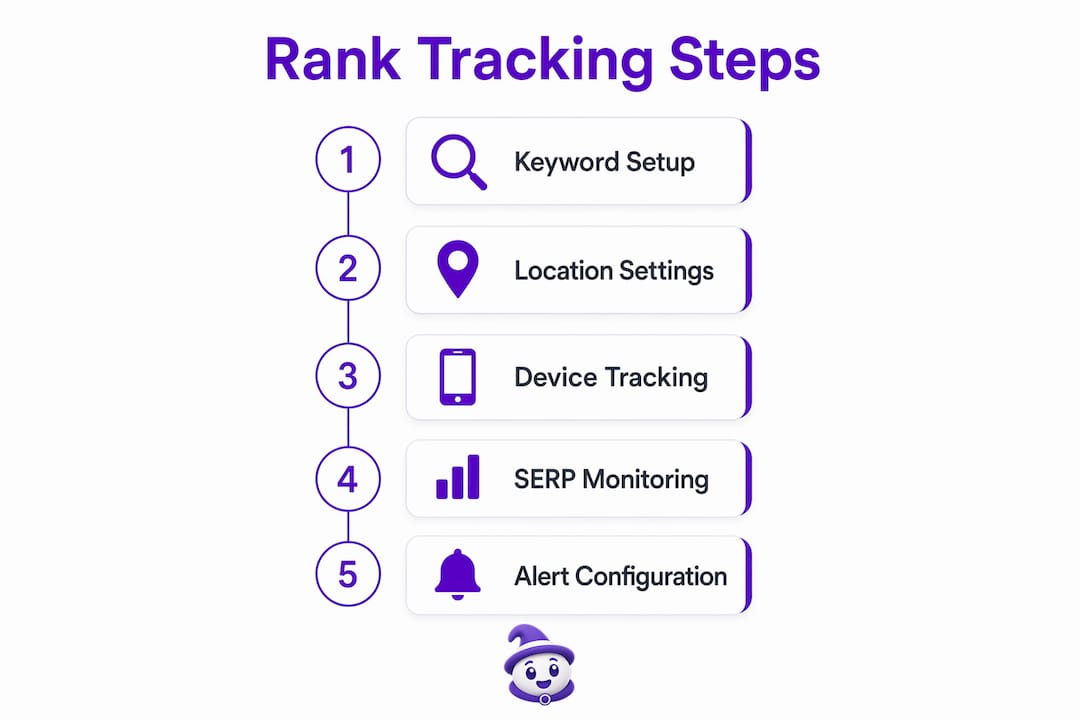
Define keyword segments. Group keywords by intent: branded, transactional, informational, and local variants.
Set target locations. Add each city or postcode relevant to your audience. For national UK campaigns, include London, Manchester, Birmingham, Edinburgh, Cardiff, and Belfast as a minimum.
Configure device tracking. Enable separate desktop and mobile tracking for every keyword group.
Add competitor domains. Include two to five direct competitors so you can monitor share of voice shifts.
Set tracking frequency. Daily for your top 10–20 keywords; weekly for the broader set.
Configure automated alerts. Set notifications for drops of five or more positions on priority keywords.
Setup step | Key decision |
|---|---|
Keyword segmentation | Intent-based grouping: branded, transactional, informational, local |
Location configuration | City or postcode level for UK regional accuracy |
Device split | Separate desktop and mobile profiles |
Competitor addition | Two to five direct rivals per keyword group |
Alert thresholds | Drop of 5+ positions or gain of 10+ positions triggers notification |
Pro Tip: Set your tracking tool to crawl at the same time each day, ideally early morning before significant user activity. Consistency in crawl timing reduces the noise caused by intraday SERP fluctuations.
What review cadence maximises the value of rank data?
The most effective review cadence follows a three-tier structure. Industry guidance recommends daily scans for alerts, weekly 15-minute reviews, and monthly deep analysis linking rankings with traffic and conversions. Each tier serves a different purpose, and conflating them leads to either missed signals or analysis paralysis.
Daily: alerts only
Daily rank checking should be passive. You set the alerts; the tool does the work. Automated alerts for rank drops of five or more positions on top keywords and gains of ten or more positions help you focus on meaningful changes rather than normal daily fluctuation. If no alert fires, you do not open the rank tracker. This discipline alone saves hours each week.
Weekly: a focused 15-minute review
The weekly review covers your top 20–30 keywords and takes around 15 minutes. Look for trends rather than individual data points. A keyword that has moved from position eight to position twelve over three consecutive weeks signals a problem worth investigating. A single-day drop from eight to twelve is almost certainly noise. Use this session to flag anything that warrants deeper investigation at the monthly review.
Monthly: deep analysis with context
The monthly deep-dive is where rank data earns its keep. Pull your ranking trends alongside GSC click data and GA4 conversion data for the same period. Rank data alone is a vanity metric. A page that climbed from position six to position three but generated fewer conversions than the previous month tells a very different story than the rank improvement suggests. This is the session where you connect SEO activity to business outcomes.
Compare ranking shifts against content updates, link acquisition, and technical changes made during the month.
Check whether pages that gained rankings also gained clicks in GSC. If not, your title tag or meta description may need work.
Review SERP feature presence. A featured snippet win can double click-through rate even without a position change.
Identify keywords where you rank in positions 11–20. These are your highest-priority optimisation targets because a small improvement moves you onto page one.
Pro Tip: Discrepancies between GSC and GA4 traffic data of 10–40% are normal due to bot filtering and time zone differences. Always note which tool you are using when reporting traffic figures, and keep the comparison consistent month to month.
How to interpret rank tracking results and tie them to business outcomes
Ranking data becomes commercially useful only when you segment it by keyword intent. Focusing on Domain Authority or broad traffic without context misleads decisions. The same principle applies to raw ranking positions. A position-one ranking for an informational query with no commercial intent is worth far less than a position-five ranking for a high-intent transactional term.
Segmenting by intent
Branded keyword rankings tell you about brand health and direct demand. Non-branded transactional rankings tell you about your ability to capture new customers. Informational rankings build topical authority and feed the top of your funnel. Report on each segment separately. Mixing them produces averages that obscure what is actually happening.
Visibility scores and share of voice
Most position tracking software calculates a visibility score, which weights your rankings by estimated search volume for each keyword. Share of voice measures what percentage of available clicks your domain captures across a defined keyword set, compared to competitors. These metrics give you a single number to track over time without obsessing over individual keyword positions.
Clients care more about business impact than keyword positions alone. SEO reporting should connect rankings to lead quality, conversions, and revenue. A position improvement that does not move conversion numbers is a signal to investigate the page, not a reason to celebrate.
Common pitfalls to avoid
Reporting position averages across mixed intent. An average position of 8.4 across 200 keywords means nothing without intent segmentation.
Ignoring SERP feature changes. A drop from position one to position two caused by a featured snippet appearing above you is a different problem from an algorithmic ranking drop.
Treating GSC average position as ground truth. GSC averages across all locations and devices. Your rank tracker gives you the granular view you need for accurate diagnosis.
Reacting to single-day fluctuations. SEO teams often waste time manually monitoring rankings. Automated alerts with meaningful thresholds prevent this. Trust the alert system you configured and resist the urge to check daily.
Connecting ranking shifts to business outcomesrequires a reporting layer that brings GSC, GA4, and rank data into a single view. Without that integration, you are always working from partial information.
Rank tracking in 2026: what I have learned from experience
The biggest shift I have seen in SEO position tracking over the past few years is not the tools. It is the discipline required to use them well. Most teams I encounter have access to perfectly capable rank tracking software. The problem is that they check it too often, track too many keywords, and report on positions without connecting them to anything a client actually cares about.
The three-tier cadence described in this guide sounds simple. In practice, it requires genuine restraint. Checking rankings daily when you are anxious about a client's performance is understandable, but it produces noise, not insight. The daily alert system exists precisely so you do not have to do that manually.
The emerging challenge is AI search visibility. As tools like Google's AI Overviews and other AI-generated answer surfaces become more prominent, traditional rank tracking misses a growing portion of the SERP. A page can rank third in traditional results but appear in an AI Overview for the same query, capturing clicks that never show up in your rank tracker. This is not a reason to abandon rank tracking. It is a reason to treat it as one signal among several rather than the definitive measure of SEO performance.
My practical advice: build your keyword ranking history from day one, even if your current reporting is basic. Historical data is the one thing you cannot go back and collect. Start tracking now, keep the keyword list tight, and add complexity only when you have the analysis workflow to support it.
— Amir
Mycontentlab: turning rank data into client-ready reports
Rank tracking generates data. Turning that data into clear, client-ready reporting is where most SEO professionals lose time.
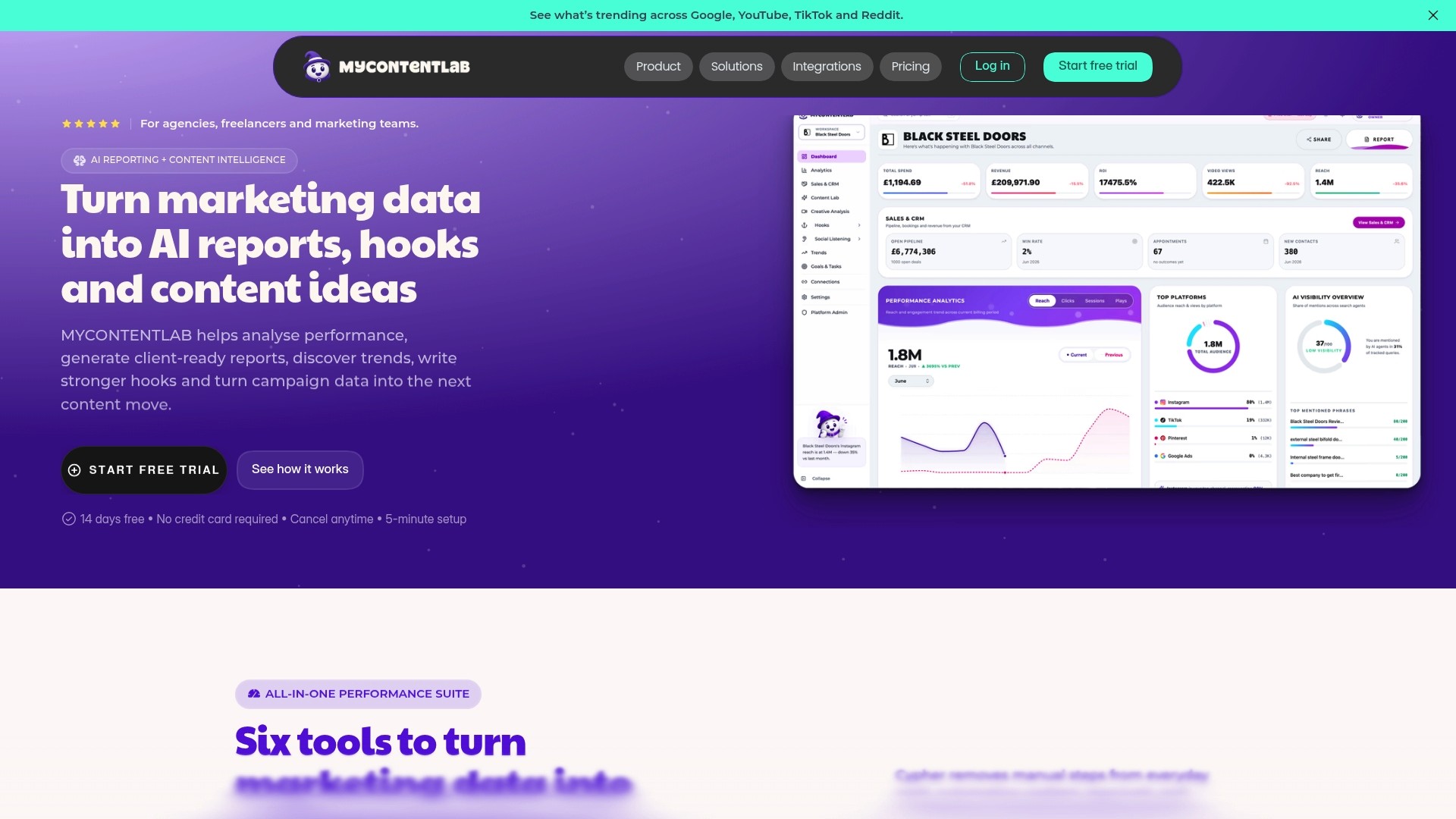
Mycontentlab connects your ranking data, GSC metrics, and GA4 performance into cohesive reports that clients can actually read. The platform is built for agencies, freelancers, and in-house teams who need to move from scattered metrics to clear narratives without spending hours in spreadsheets. Its AI-powered tools convert raw performance data into content ideas, recommendations, and reporting summaries that reflect what is actually happening in your campaigns. If you are spending more time building reports than acting on them, Mycontentlab's reporting platform is worth a look.
Key takeaways
Effective SEO position tracking requires combining rank data with GSC and GA4 metrics to connect keyword movements with real business outcomes.
Point | Details |
|---|---|
Use a three-tier review cadence | Daily alerts, weekly 15-minute reviews, and monthly deep-dives prevent noise and surface real signals. |
Limit daily tracking to 10–20 keywords | Over-tracking top keywords creates false alarms; monitor the broader set weekly instead. |
Track by location and device separately | UK SERPs vary by city and postcode; mobile and desktop rankings diverge for technical reasons. |
Segment keywords by intent | Branded, transactional, and informational terms behave differently and must be reported separately. |
Connect rankings to conversions | A ranking improvement that does not drive conversions or traffic is a signal to investigate, not celebrate. |
FAQ
What is SEO position tracking?
SEO position tracking is the systematic monitoring of where your web pages rank in search engine results for specific keywords, across defined devices and locations. It is also called rank tracking or SERP position monitoring.
How often should I check my keyword rankings?
Set automated alerts for daily monitoring of your top 10–20 keywords, conduct a 15-minute weekly review of your top 30 keywords, and run a full monthly analysis that connects ranking data to traffic and conversions.
Why do my GSC and GA4 traffic numbers differ?
Discrepancies of 10–40% between GSC and GA4 are normal. GSC includes bot traffic and uses different time zone logic, while GA4 filters bots and applies consent-based data modelling. Always specify which tool you are referencing in reports.
Does location matter for rank tracking in the UK?
Local rank tracking by city or postcode is critical for UK businesses because the same keyword can produce significantly different results in London, Cardiff, or Belfast. National average rankings mask these differences.
Is rank tracking still relevant with AI search results?
Rank tracking remains a core SEO metric, but AI Overviews and other AI-generated SERP features now capture clicks that traditional rank trackers do not measure. Use rank tracking alongside GSC impression data to build a fuller picture of your actual search visibility.
Recommended


Jul 19, 2026


Search



You can also read
Category
All
Compare
Marketing Reporting
Agency Operations
Content Intelligence
Brand Monitoring
Platform Reporting