Top 4 Supermetrics Alternatives 2026
Managing marketing performance reports across several platforms wastes time and introduces errors for agencies, freelancers, and in-house marketing teams. Many current tools charge extra for additional users or require manual data exports that break workflow alignment between analytics, reporting, and creative teams. This comparison covers pricing, collaboration support, and automation features so teams can match a marketing reporting programme to their workflow and budget demands.

Managing marketing performance reports across several platforms wastes time and introduces errors for agencies, freelancers, and in-house marketing teams. Many current tools charge extra for additional users or require manual data exports that break workflow alignment between analytics, reporting, and creative teams. This comparison covers pricing, collaboration support, and automation features so teams can match a marketing reporting programme to their workflow and budget demands.
Table of Contents
MyContentLab
At a Glance
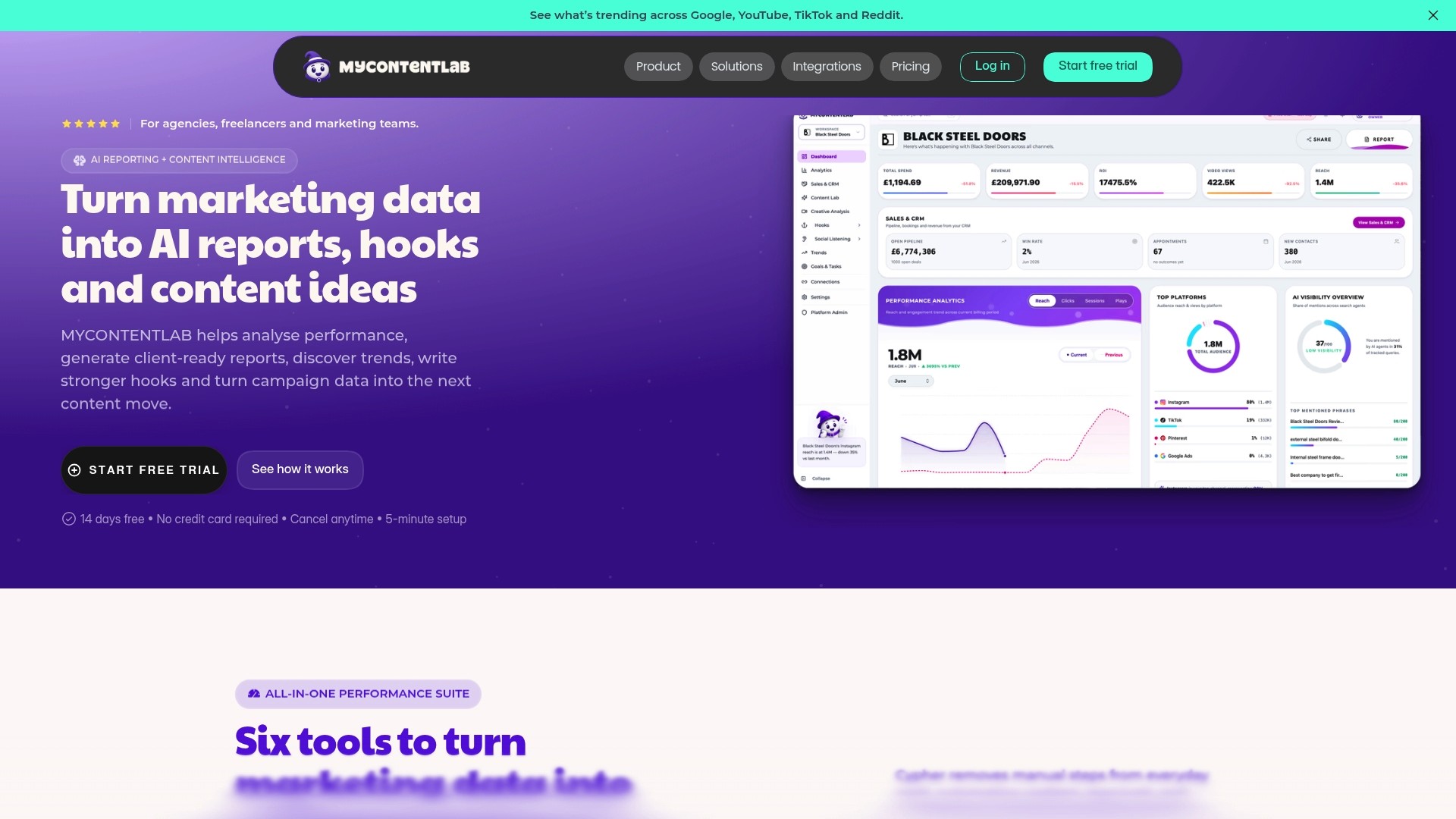
Plans start at £47 for creators and reach £497 for enterprise teams. The platform links AI reporting with content ideation and branded client reports. The vendor advertises increased productivity and sharper reporting based on real-time data.
Core Features
MyContentLab delivers AI-powered marketing performance reports, converts performance data into content ideas, and generates hooks, scripts, and captions for social and video content. It offers branded PDF reports and a client portal option, plus a content library and performance comparison tools. Trend analysis and social listening are listed as coming soon, while content planning and production guidance are available now.
Key Differentiator
An integrated workflow that moves from data collection to creative brief in the same tool sets MyContentLab apart. You do not need to stitch analytics, ideation, and reporting across separate apps when running client campaigns.
Pros
The platform pulls multiple marketing platforms and data sources into a single reporting view, which reduces manual consolidation work. Creative teams can generate hooks and scripts from the same datasets used to measure performance, so the brief and the metrics stay aligned. Agencies gain branded and white label report options plus unlimited users, which makes it straightforward to add reviewers and client contacts without extra seat fees.
Cons
Social listening and trend analysis are paid add-ons, which limits immediate use of those capabilities.
Who it’s for
Agencies, freelancers, and in-house marketing teams managing several clients or brands will find this useful. Teams that need both performance reports and content ideas in one place benefit most. Solo creators who only need occasional reports may find the breadth of features more than they require.
Unique Value Proposition
All plans include unlimited users, so whole teams and client reviewers can be onboarded without per seat charges. That pricing approach lowers the operational friction of wider collaboration and speeds up report review cycles. Agencies that bill for creative time will find fewer billing surprises when adding internal reviewers.
Real World Use Case
An agency producing monthly social reports uses MyContentLab to auto generate performance summaries, highlight top performing content, and create new hooks for the next month. The same output becomes a branded PDF sent to clients and a production brief for creators. That reduces manual handoffs and keeps recommendations tied to measured outcomes.
Pricing
Flexible monthly plans start at £47 for creator plans and scale to £497 for enterprise plans. Modules are activated per client and all plans allow unlimited users. The vendor presents the pricing as tiered monthly subscriptions.
Website: https://mycontentlab.ai
Dataslayer
At a Glance
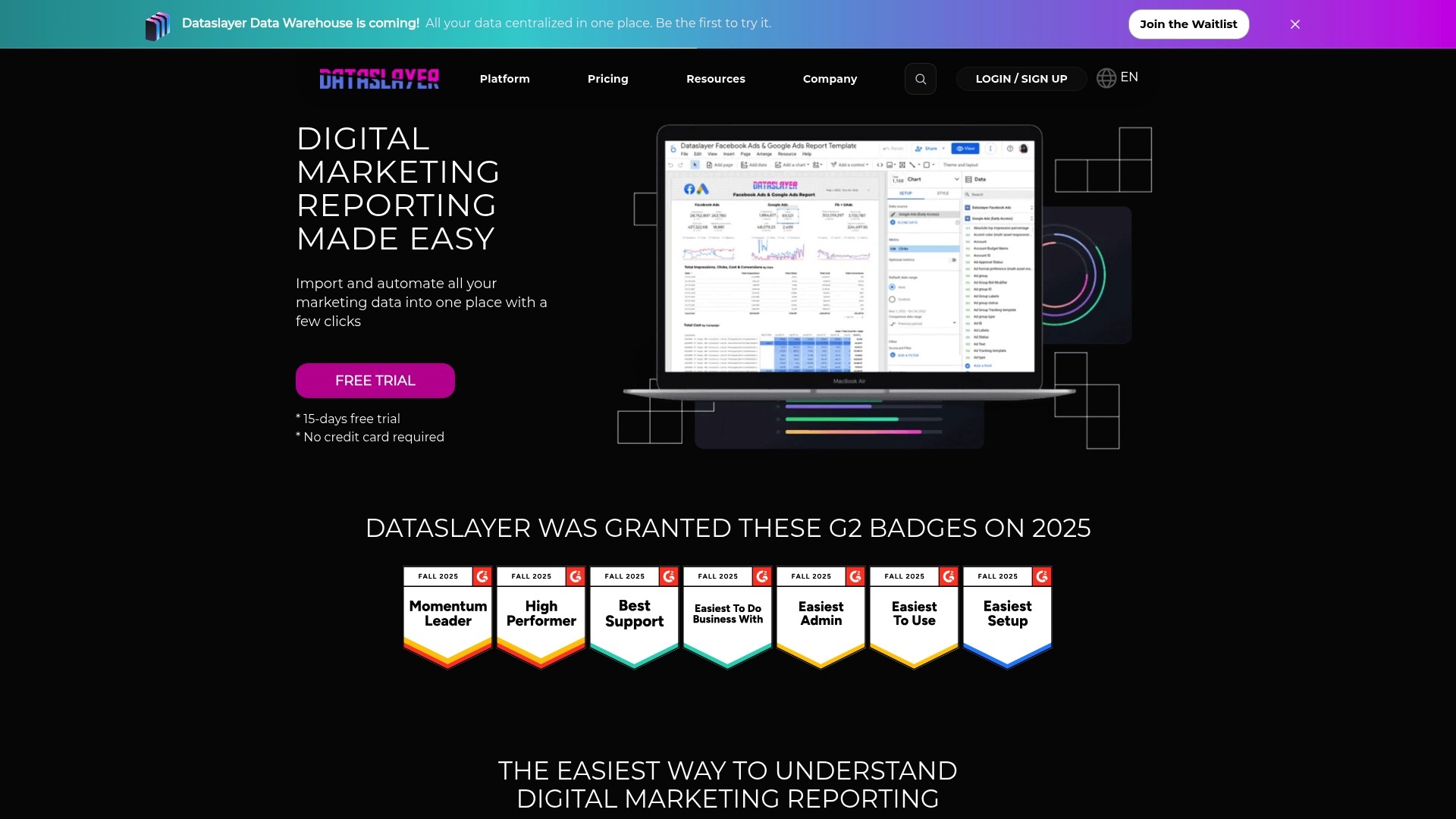
Dataslayer claims over 60 connectors for advertising and analytics platforms. It pairs automation and data blending with conversation based reporting via Dataslayer GPT, letting teams query campaign metrics in plain language. The tool connects to Google Sheets, Data Studio, BigQuery and Power BI for direct reporting and export.
Core Features
Connectors pull marketing metrics from Google Ads, Facebook Ads, Google Analytics and other platforms into destinations such as Google Sheets and Snowflake. Automation handles scheduled imports and updates while data blending and advanced analytics let you compare cross channel performance. Dataslayer also offers alerts and AI insights to flag anomalies and suggest optimisation paths.
Key Differentiator
The stand out feature is conversation based reporting through Dataslayer GPT. That allows non technical marketers to ask questions about campaigns and receive ready to use tables or charts. It pairs that interface with broad connector coverage for direct exports to BI tools.
Pros
The interface is accessible for non technical users, so analysts can delegate reporting tasks to account managers. Automation and broad connector support reduce manual copying into spreadsheets and speed report cadence. Reviews praise support responsiveness, and the vendor states the service is certified with ISO 27001 for data security.
Cons
Pricing leans towards teams and agencies. Small freelancers may find starter limits restrictive.
Some advanced connectors or custom features require higher tier plans, which raises cost for complex setups.
There is a learning curve for beginners when they first configure blended reports and AI prompts.
When It May Not Fit
If you are a solo freelancer with minimal reporting needs, the pricing tiers may not fit your budget. If your workflows require heavy custom ETL or avoid third party API limits, reliance on external APIs can be a constraint. Large enterprise legal reviews may also demand proof of data transfer procedures beyond what is listed publicly.
Notable Integrations
Connectors include common reporting destinations and ad platforms.
Google Sheets
Google Data Studio
BigQuery
Power BI
Snowflake
Amazon S3
Azure SQL
Facebook Ads
Who It’s For
Marketing teams and agencies that manage multiple client accounts will benefit most from Dataslayer. Data analysts who need direct access to BigQuery or Snowflake can skip manual exports. Teams that value security will note that certification claim when assessing vendors.
Real World Use Case
A digital marketing agency uses Dataslayer to pull Google Ads, Facebook Ads and Google Analytics into Google Sheets and Data Studio automatically. Daily reports regenerate and stakeholders see near real time campaign performance without manual exports. That frees analysts to focus on optimisation rather than copying data.
Pricing
The Starter plan is priced at €20/month when billed annually and supports one core destination plus one enterprise destination. Advanced, Pro and Enterprise tiers add connectors, higher limits and custom features. Discounts are available for bundling destinations and annual commitments.
Website: https://dataslayer.ai
Whatagraph
At a Glance
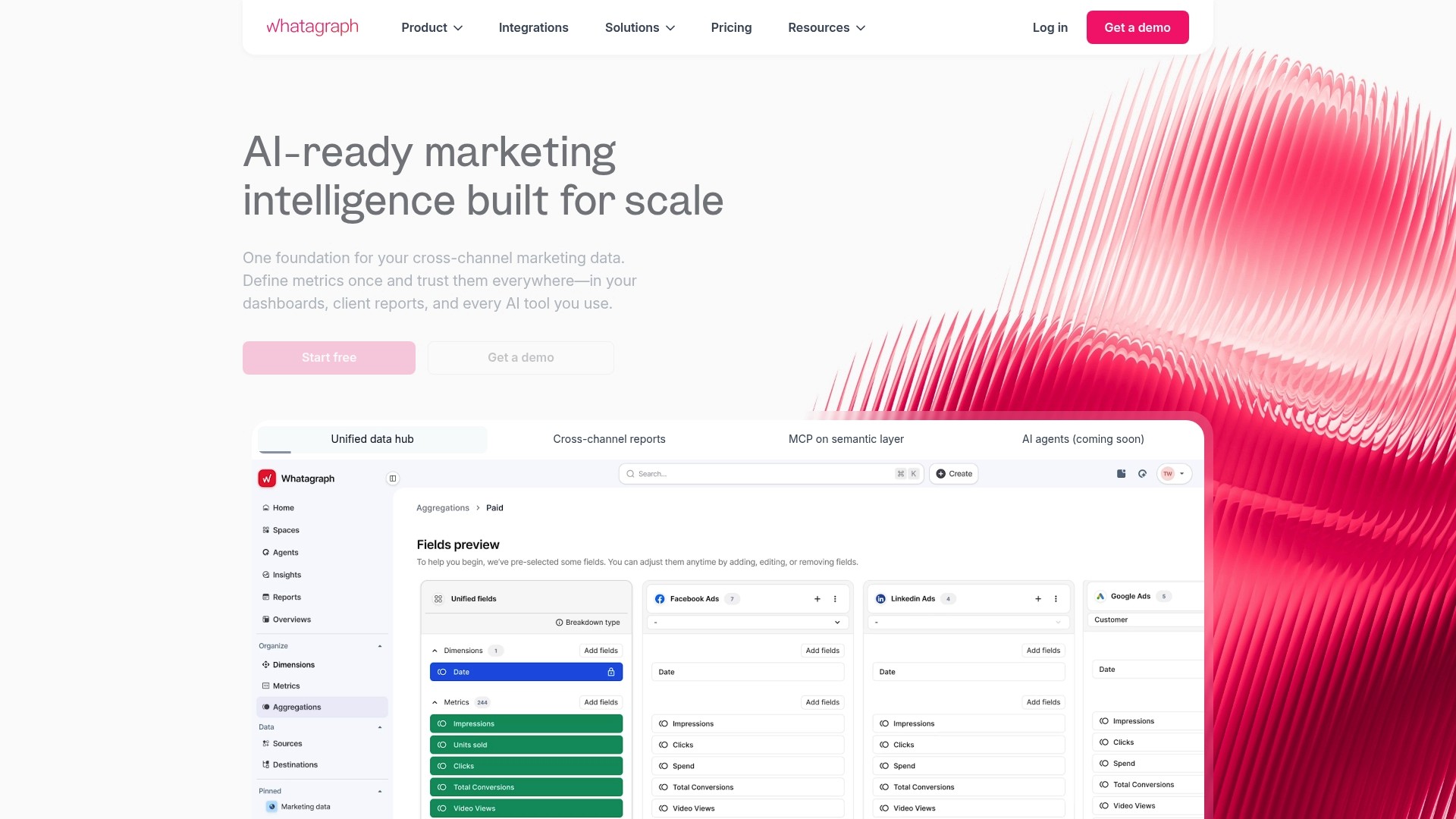
Scheduled data updates and client report sharing let teams push reports on a timetable without manual export. The platform focuses on reducing repetitive reporting tasks for agencies and in-house teams. This makes regular client delivery simpler and less error prone.
Core Features
Whatagraph centralises automated marketing data reporting, pulls from multiple channels, and refreshes dashboards on a schedule. It offers customisable dashboards and client facing reports that can be shared or sent automatically. The tool also supports team collaboration and notification rules so stakeholders see the right metrics.
Key Differentiator
Whatagraph’s main edge is its emphasis on deep automation that cuts manual steps in complex reporting workflows. The product automates recurring report assembly and distribution so analysts spend less time on formatting. That orientation suits teams that repeat similar reports for many clients.
Pros
The interface is user friendly and shortens the learning curve for junior analysts. A wide set of integrations reduces the need to stitch exports from many tools. Automation eliminates much of the manual compilation work and lets teams focus on interpretation rather than data wrangling.
Cons
Limited advanced customisation: some reviewers report fewer options for bespoke visualisation and formula logic.
Cost for small teams: pricing can be high for small businesses or solo marketers.
Occasional data syncing delays: some users report that connectors do not always update in real time.
When It May Not Fit
If your team needs deep analytic customisation or complex calculated metrics, this product may feel restrictive. Smaller teams or individual consultants on tight budgets may find the price prohibitive. Teams that require sub minute real time syncs should evaluate connector cadence before committing.
Notable Integrations
AccuRanker
ActiveCampaign
Adform
Adobe Analytics
Google Analytics
Who It’s For
Marketing teams and agencies that need automated, repeatable client reporting will get the most value. It suits teams that produce regular campaign summaries and client facing dashboards. The platform fits groups that prefer less manual report assembly.
Real World Use Case
A digital marketing agency gathers social, ad platform, and email metrics into a single report template. The agency schedules weekly exports to clients and reduces delivery time. Report accuracy improves because the data feed is consolidated automatically.
Pricing
Compare plans & start free trial. Specific pricing details are on the website.
Website: https://whatagraph.com
Power My Analytics
At a Glance
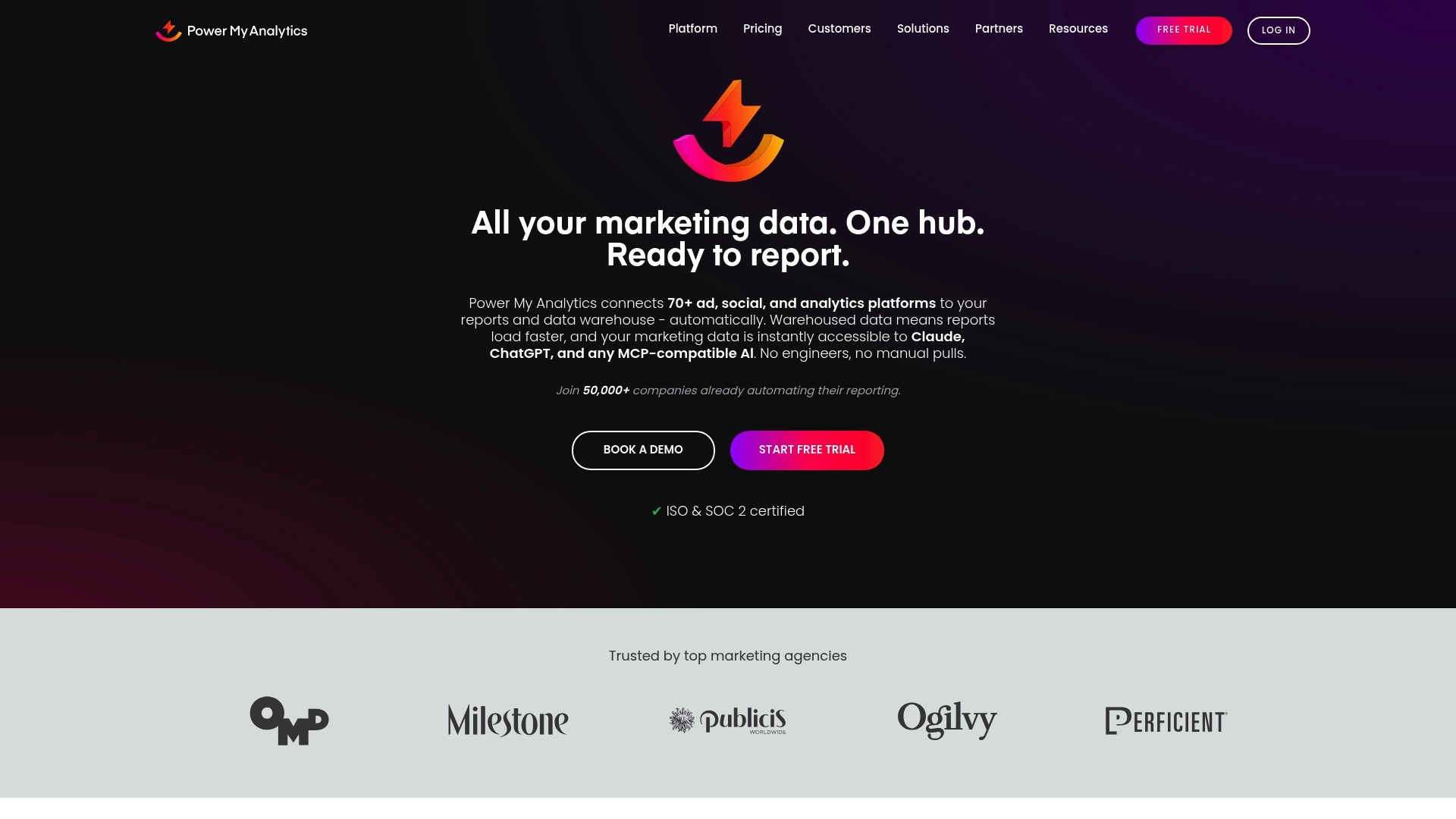
Power My Analytics reports it is trusted by over 50,000 companies. The vendor advertises data consolidation at 50–90% less cost than alternatives. It connects more than 70+ platforms and offers warehousing, backfill, and visualisation destinations for reporting.
Core Features
The platform automates connector-level pulls from advertising, social, and analytics sources and can move that data into cloud warehouses such as BigQuery or Snowflake. It supports data blending, transformations, and custom metric creation without coding and outputs to reporting tools including Data Studio, Power BI, Excel, and Google Sheets. Redundancy and backfill options help keep reports available when connectors fail.
Key Differentiator
Power My Analytics focuses on combining collection, warehousing, and delivery for marketing teams so they do not need engineers to build data pipelines. That cost claim and the breadth of destinations set it apart from solutions that only extract or only visualise.
Pros
The product works for non-technical marketing teams while still offering APIs and warehousing for analysts and engineers. It brings connectors, destination options, and basic transformation features into a single product, which reduces the number of vendor touchpoints for agency reporting. The vendor lists ISO & SOC 2 certification, which will matter where data handling and client confidentiality are required.
Cons
Pricing can be complex for enterprise needs. Plans and add-ons require careful review before committing.
Live account connections and API access are gated behind higher-tier or custom plans for some integrations. This can complicate evaluation for advanced use cases.
Reliance on third-party APIs means occasional data refresh issues when external platforms change their interfaces.
When It May Not Fit
If you need live account-level connections on a low-cost plan, the sample tier will not meet that requirement. Organisations that require full API access and bespoke connectors may need a Pro or enterprise engagement. Teams with mission-critical reporting and no tolerance for external API outages should plan for backup processes or a secondary data source.
Notable Integrations
Connects directly to Data Studio, Power BI, Google Sheets, Microsoft Excel, BigQuery, Snowflake, and SQL databases. The platform supports common reporting destinations used by agencies and in-house teams for presentation and analysis.
Who It’s For
Marketing teams, agencies, and data analysts who want automated marketing data reporting without building bespoke pipelines will find this useful. It suits teams that want warehouse-forward reporting and prefer to avoid ongoing engineering maintenance. Larger enterprise buyers should plan for a custom pricing discussion.
Real World Use Case
A digital marketing agency extracts Google Ads, Facebook, and Google Analytics data automatically, warehouses it in BigQuery, and publishes dashboards in Data Studio. The setup removes hours of manual exports, keeps client dashboards consistent, and simplifies month end reporting across multiple accounts.
Pricing
Starts with a free sample data plan, moves to paid tiers with $41.63/month for Business and $166.63/month for Pro, and offers custom enterprise pricing for larger needs. Specific feature access such as API calls and live connections can require higher tiers.
Website: https://powermyanalytics.com
Comparison of alternatives
Choosing the right marketing performance reporting software depends on specific needs and workflow parameters. Each platform reviewed demonstrates distinct advantages, enabling users to make informed decisions tailored to their strategic priorities.
Integration capabilities
Dataslayer excels in integration breadth, supporting over sixty advertising and analytics platforms and allowing data exports to various BI tools such as Google Sheets and BigQuery. This capability reduces manual migrations and simplifies the workflow, particularly benefiting teams needing detailed cross-platform reporting.
Whatagraph specialises in automation for recurring report generation and distribution. Its capabilities are most suitable for marketing agencies generating client-facing reports consistently, saving considerable time by automating repetitive tasks.
Pricing and accessibility
While MyContentLab balances features with a competitive pricing structure, Power My Analytics might appeal to teams prioritising budget efficiency in data consolidation. Moreover, Dataslayer’s tiered pricing aligns better with teams focused on frequent, ongoing reports and deeper integrations.
Best fit
Agencies managing multiple clients and requiring content production workflows will appreciate MyContentLab’s unique approach to integrating performance insights with content ideation.
Analysts seeking high-level integration with BI platforms and advanced reporting tools will benefit from Dataslayer’s software.
Agencies requiring automation for producing and distributing repeated reports will find Whatagraph meets their needs perfectly.
Teams valuing cost-effective data consolidation, with flexibility in support for cloud data strategies, will find Power My Analytics an choice.
Our pick
For agencies needing to connect performance metrics directly with their content production strategies, MyContentLab emerges as the most suitable choice. Its ability to integrate performance analysis and creative ideation within one tool ensures a focused workflow tailored to user requirements. However, for teams seeking extreme integration flexibility or dedicated reporting automation, considering alternatives may be advantageous.
Mycontentlab’s distinct advantage lies in its comprehensive workflow integration, aligning data analysis with content ideation without requiring external tools.
Product | Core Feature | Pricing | Best For | Limitations |
|---|---|---|---|---|
Mycontentlab | AI-driven client reports and ideation | £47 to £497 per month | Agencies and teams needing integrated reports | Social listening and trend analysis in development |
Dataslayer | GPT-based metric querying | €20/month (starter, annual) | Marketing teams managing multi-platform campaigns | Advanced features require higher-tier plans |
Whatagraph | Automated custom dashboards | Pricing on website | Teams needing repeated automated reports | Limited advanced customisation options |
Power My Analytics | Data extraction and warehousing | $41.63/month (starter tier) | Agencies combining warehousing and reporting | API access gated behind higher tiers |
How to Manage Marketing Data Challenges Without Complex Tools
Many agencies, freelancers, and in-house teams face difficulty when juggling multiple marketing platforms and compiling data into reports. The process can be time-consuming and prone to errors. Mycontentlab offers a solution that links real-time marketing performance data with fresh content ideas, all within one platform. This eliminates the need to switch between separate tools for analytics, ideation, and reporting.
Mycontentlab supports unlimited users, allowing entire teams and client contacts to collaborate without extra fees. It generates clear, branded reports and creative briefs directly from performance metrics, cutting down on manual work and improving communication.
Visit Mycontentlabto see how your team can simplify reporting and gain fresh marketing ideas from live data.
FAQ
How does Mycontentlab support marketing reporting for agencies?
Mycontentlab delivers comprehensive marketing performance reports, streamlining the process for agencies. It consolidates data from multiple marketing platforms into a single reporting view, which reduces manual consolidation work. Agencies can generate performance summaries and branded PDF reports efficiently, enhancing their reporting capabilities.
What is the difference between Mycontentlab and Dataslayer?
Dataslayer offers conversation-based reporting through Dataslayer GPT, allowing non-technical marketers to query campaign metrics in plain language. Mycontentlab, on the other hand, integrates analytics with content ideation, making it the best choice for teams needing both performance reports and creative briefs in one tool. This distinction ensures that each platform serves its specific use case effectively.
Which platform provides better integration options for marketing metrics?
Mycontentlab integrates multiple data sources for reporting and content creation, while Dataslayer supports over 60 connectors for various advertising and analytics platforms. Use Dataslayer if you need extensive connector options, but Mycontentlab is ideal for those wanting a combined solution of performance analysis and content generation.
Can I use Mycontentlab for social media reporting?
Yes, Mycontentlab is effective for social media reporting, as it generates hooks, scripts, and captions for social content. Its ability to create branded reports and performance comparisons makes it beneficial for teams that manage social media campaigns. Keep in mind that social listening features are still under development.
What pricing options does Mycontentlab offer?
Mycontentlab’s plans start at £47 for creators and go up to £497 for enterprise teams. This tiered pricing allows agencies and marketing teams to choose the plan that best fits their needs, ensuring they can scale their capabilities as required.
Recommended


Jul 19, 2026


Search



You can also read
Category
All
Compare
Marketing Reporting
Agency Operations
Content Intelligence
Brand Monitoring
Platform Reporting