Top 5 Whatagraph Alternative Software 2026
Explore 5 Whatagraph alternative software options to help you choose the best solution for efficient data reporting and enhanced client communication.
Managing client reporting and campaign analysis across multiple platforms forces agencies and marketing teams into repetitive manual exports. Many options gate advanced automation, brand customisation, or AI summarisation behind high tiers or custom pricing, putting key features out of reach for smaller teams. This comparison lists five direct substitutes for Whatagraph so agencies, freelancers, and marketing teams can match features, pricing, and integrations to their workflow.
MyContentLab

At a Glance
Plans start at £47 for creators, rise to £97 for freelancers, £297 for agencies, and £497 for enterprise teams. The app bundles reporting, social listening, trend tracking and content idea generation in a single workspace. That helps teams turn raw metrics into briefs and hooks without exporting spreadsheets.
Core Features
MyContentLab runs AI performance analytics and reporting, which pulls metrics into branded reports and dashboards. It also offers content idea generation and hook creation for videos, ads and posts based on campaign data. Social listening and trend tracking monitor mentions and rising topics across platforms.
Key Differentiator
MyContentLab connects performance data, trend signals and content creation tools inside one unified workspace. That removes the export step between analytics and creative planning and keeps brand reports under a single roof. Agencies get white label reports while creators can jump from insight to a hook in minutes.
Pros
MyContentLab's marketing materials claim increased productivity and sharper reporting based on real time data. The platform automates manual reporting and content planning, consolidates sources into a single dashboard and produces client ready reports. There are custom branding and white label options for agencies and multiple client workspaces for freelancers and teams.
Cons
Potential complexity for new users and people unfamiliar with performance analytics. Set up and learning the workspace can take time.
Who It's For
MyContentLab suits mid sized marketing teams, content agencies, freelancers and creators who manage multiple clients and channels. Teams that need automated analytics, content planning and branded reporting will get the most value. Independent creators with a single channel and limited budget may find lower tier plans a better fit.
Unique Value Proposition
Generating content ideas and hooks directly from campaign metrics reduces planning time and keeps creative briefs grounded in performance. That shift shortens the handoff between analysts and creatives and cuts the number of manual exports required. Agencies can present results under their brand while moving faster from insight to creative testing.
Real World Use Case
An agency managing multiple social campaigns uses MyContentLab to produce monthly branded reports, spot rising trends and generate hooks for short videos. The team saves time by skipping manual exports and delivers concise briefs to creatives. Reports arrive with client branding and suggested post hooks ready for testing.
Pricing
Pricing starts at £47 per month for creators, £97 for freelancers, £297 for agencies and £497 for enterprise teams. Features scale with each tier and the number of included client workspaces increases on higher plans. Plans are available on a flexible monthly basis rather than a single flat fee.
Website: https://mycontentlab.ai
AgencyAnalytics
At a Glance
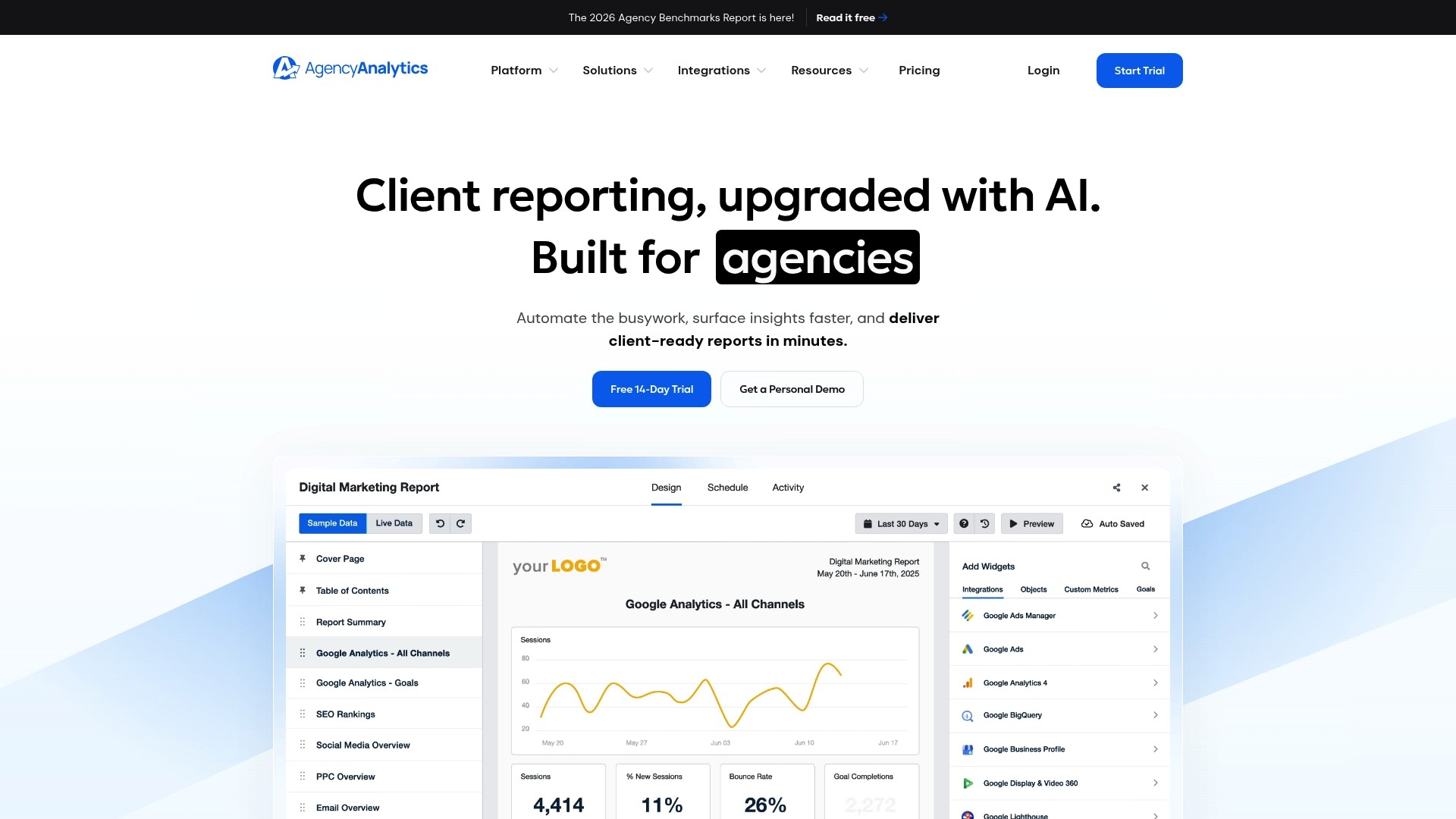
AgencyAnalytics reports it has served more than 7,000 agencies since 2010. That longevity shows in a toolkit aimed at agency workflows. The platform centres on automated client reporting, white label dashboards, and an AI analysis layer.
Core Features
It connects to unlimited data sources and creates scheduled client reports across SEO, PPC, and social channels. The interface includes AI powered insights that flag anomalies and suggest narrative points for reports. The product also provides white label branding and a client portal for sharing dashboards and messages.
Key Differentiator
The standout element is the AI driven reporting tailored to agency routines. That focus reduces repetitive reporting tasks and helps teams spend time on strategy. For agencies handling many clients, the automation shifts effort away from manual exports and commentary.
Pros
The vendor advertises integrations with more than 85 platforms, which helps centralise performance data from common marketing stacks. White label dashboards improve client facing presentation, and the client portal supports direct communication and secure dashboard sharing. AI summaries reduce the time teams spend writing report commentary and free up billable hours.
Cons
Costs scale per client and can become expensive for larger teams or when paying for add ons.
Some advanced capabilities sit behind enterprise plans or require custom solutions and pricing.
API restrictions may limit multi account connections for agencies that manage franchise or multi location clients.
When It May Not Fit
Agencies that need native multi account sync for every connector should check specific API limits before committing. Large firms requiring out of the box enterprise services may need custom pricing and development. Small consultancies with only a couple of clients may find the per client pricing less economical.
Notable Integrations
Key integrations include Google Analytics, Google Ads, and Facebook Ads, plus SEO tools such as Ahrefs and SEMrush. It also connects to marketing platforms like HubSpot, ActiveCampaign, and Mailchimp. Those connections cover analytics, paid media, and email reporting needs.
Who It's For
This product suits marketing agencies managing multiple clients across SEO, paid media, and social channels. It fits teams that bill per client and need client facing, branded reporting. Agencies prioritising client retention through transparent reporting will find the feature set relevant.
Real World Use Case
An SEO agency automates weekly ranking reports and visualises keyword trends inside client dashboards. Clients access a portal with live snapshots and messaging for questions. Automating exports and commentary reduces manual CSV work and preserves billable time.
Pricing
Pricing starts at $20 USD per client/month billed annually. The vendor advertises discounts for enterprise and volume based plans. Final cost depends on the number of client accounts and any additional paid features or custom work.
Website: https://agencyanalytics.com
Oviond
At a Glance
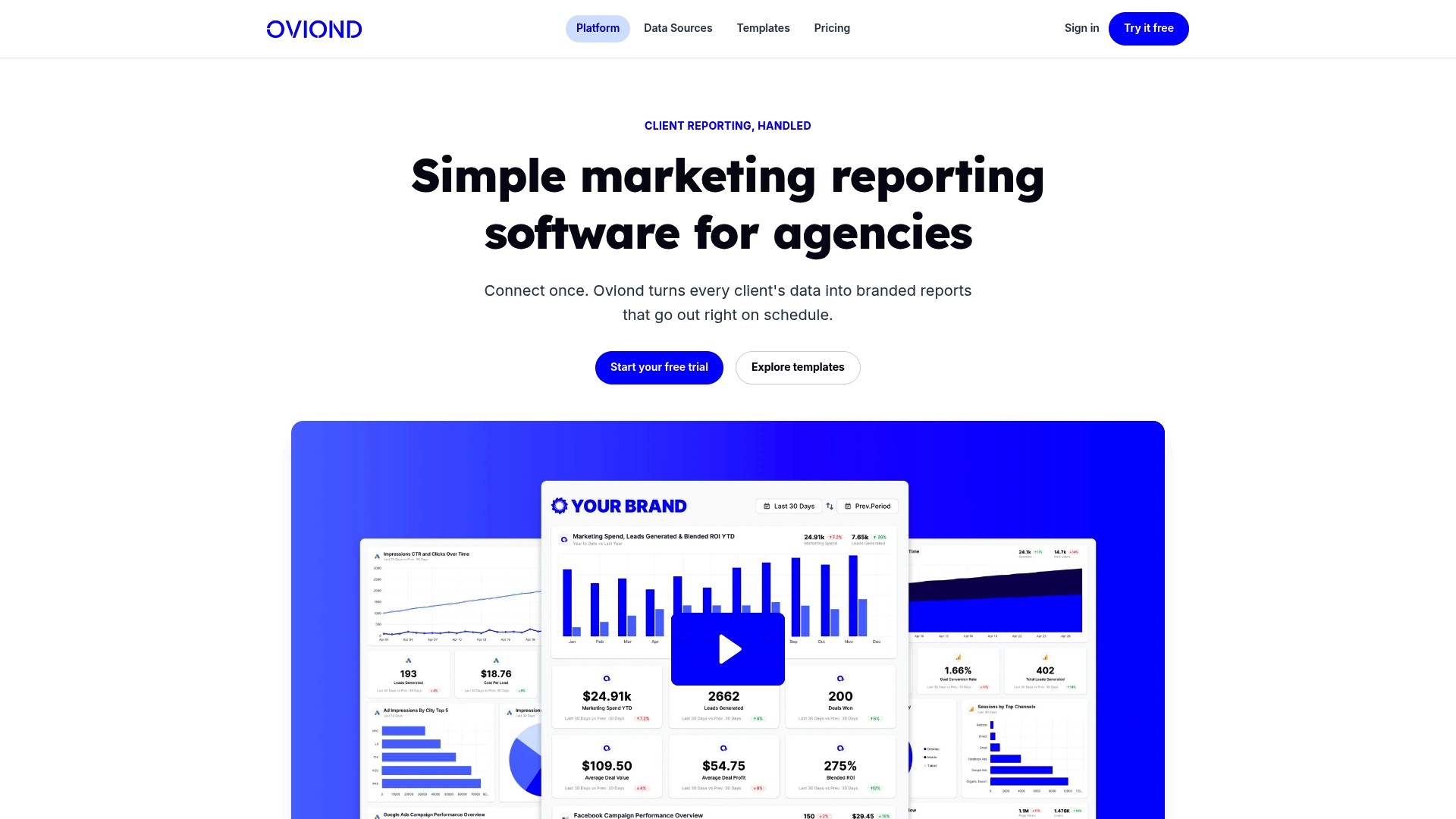
Oviond reports it connects over 60 marketing data sources to populate branded reports and live dashboards. The platform supports scheduled report delivery and live sharing, so it reduces repetitive manual export work. Agencies that want natural language assistance in report writing can use the platform's AI integration.
Core Features
Oviond centralises analytics, paid media, SEO, social, email, CRM, and e-commerce data into branded reports and real-time dashboards. The interface includes a drag-and-drop report builder and templates, while custom queries and calculated metrics let you tailor KPIs for each client. White-labeling and automated scheduling keep client-facing outputs consistent and repeatable.
Key Differentiator
The vendor highlights AI integration via an MCP server as Oviond's main differentiator, enabling natural-language report building inside existing workflows. That capability aims to speed copy creation for client reports and reduce the time spent drafting commentary.
Pros
Oviond is easy to adopt thanks to pre-built templates and a visual builder, which shortens onboarding for account teams. Its white-label and custom domain options help agencies deliver client-facing reports under their own brand. Scheduled delivery and flexible data import options reduce manual touching of recurring reports and improve consistency across multiple client accounts.
Cons
Some users reported occasional disconnections from integrations that require manual reconnection. This adds intermittent maintenance for account managers.
The interface may be less intuitive for first-time users, creating a short learning curve for junior staff.
Mobile support is limited and there is no dedicated mobile app, which restricts on-the-go access for client meetings.
Users have reported bugs in PDF generation and some report modification workflows, affecting final output quality.
When It May Not Fit
If your agency needs reliable offline access and a mobile app, Oviond may not suit your consultants. Agencies that expect flawless automated exports should plan for occasional connection troubleshooting and PDF fixes. If you need exhaustive channel coverage for every new advertising platform, manual connector updates may be required.
Notable Integrations
Google Analytics 4
Google Ads
Facebook Ads
Instagram
Google Search Console
LinkedIn Ads
Microsoft Ads
Mailchimp
Who It's For
Oviond fits mid-sized to large marketing agencies managing multiple clients who need branded, recurring reports and dashboards. It suits teams that prefer visual report building and have staff available to manage occasional connector maintenance. Agencies that want AI help drafting client commentary will find the MCP server integration relevant.
Real World Use Case
An agency connects each client’s ad accounts and analytics properties, then customises templates with client branding and KPIs. Teams schedule weekly and monthly deliveries, which frees senior staff to focus on strategy rather than report assembly. The AI-assisted draft reduces time spent writing narrative summaries for each client.
Pricing
Pricing starts from $39/month billed annually for the first five clients, with rates decreasing as more clients are added. The vendor states that all features are included at that entry level.
Website: https://oviond.com
DashThis
At a Glance
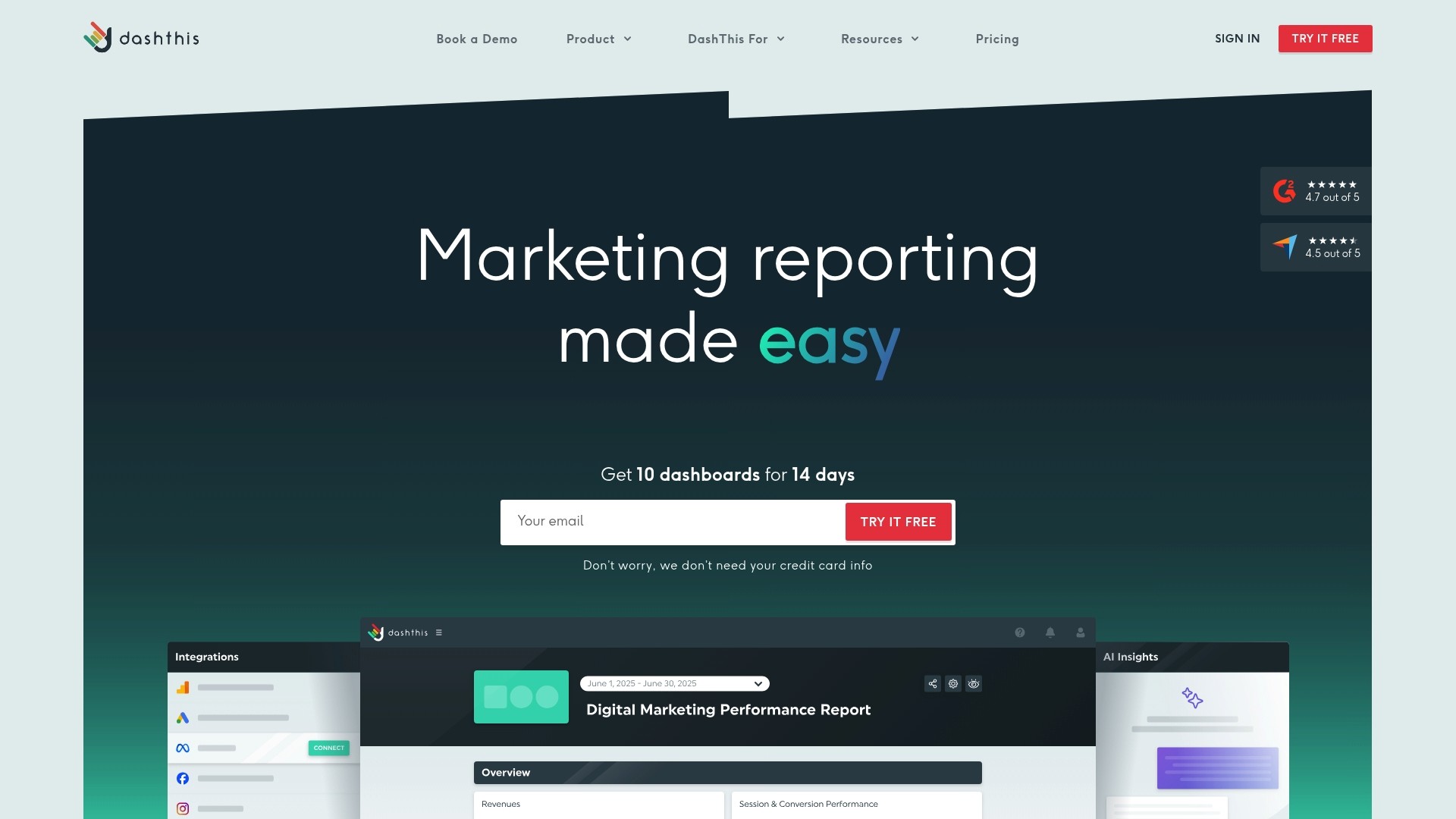
Connects data from over 30 marketing platforms, including Google Analytics, Google Ads, and Ahrefs, into white label dashboards. The platform automates report updates and offers AI Insights to highlight performance patterns. For agencies that send branded monthly reports, this reduces manual data pulls and improves presentation.
Core Features
DashThis pulls data automatically from many sources and refreshes dashboards without manual exports. It provides custom KPI widgets and calculated metrics, several chart types, and pre-made templates for SEO, PPC, and social channels. White label options let you add custom branding and a custom domain for client-facing reports.
Key Differentiator
DashThis stands out for its focus on branded client reporting and ease of dashboard customisation. It pairs wide native integrations with white label controls so agencies can present a single branded view to clients. That focus makes it narrower than Mycontentlab, which blends reporting with content-generation tools for marketing teams.
Pros
Automation removes routine manual work and saves the hours usually spent compiling reports each month. Native connections to major platforms reduce connector maintenance and make multichannel visualisation simpler for account managers. The templating system and white label settings help agencies ship polished, client-ready reports quickly, and the vendor advertises strong onboarding and support resources.
Cons
Pricing may be a barrier for solo marketers or very small teams. Plans start at a paid tier, not a permanent free option.
Deep customisation has a learning curve, so expect setup time for complex dashboards.
The free trial lasts 14 days, which some teams find short for full testing.
A few connectors require specific account permissions or extra setup steps.
When It May Not Fit
If your priority is generating content or marketing copy from data, this product focuses primarily on reporting. Small solo consultancies on tight budgets may find the entry price a poor fit. Teams needing unlimited trial time or a free tier for experimentation should look elsewhere.
Notable Integrations
DashThis connects to major marketing tools out of the box. Key native integrations include:
Google Analytics
Google Ads
Facebook Ads
LinkedIn Ads and Pages
TikTok Ads
Ahrefs
Moz
SEMrush
Who It's For
Marketing agencies that deliver regular, branded client reports will gain the most. In-house marketing teams that need consolidated multi-channel dashboards also match the tool. Freelancers who bill for reporting could benefit only if they can absorb the subscription cost.
Real World Use Case
A digital marketing agency connects client Google Analytics, Facebook Ads, Google Ads, and email platform data into DashThis. The team schedules automated monthly exports and shares branded PDFs with clients by email. That process reduces manual assembly and improves the clarity of campaign summaries.
Pricing
Plans start at $44/month with monthly or yearly billing options. Pricing includes unlimited users and native integrations, which suits agency teams that need multiple seats.
Website: https://dashthis.com
NinjaCat
At a Glance
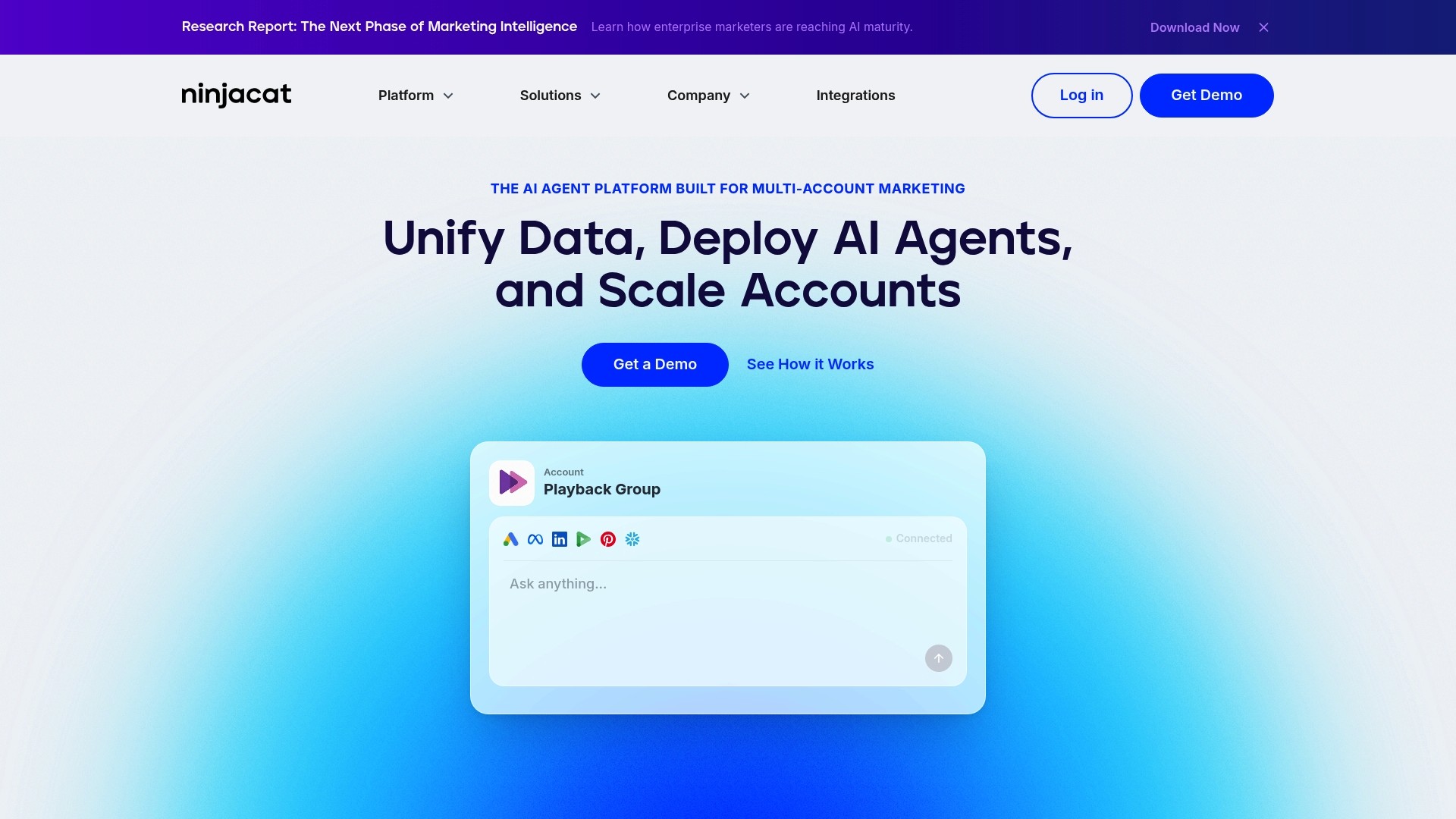
NinjaCat reports it unifies marketing data from over 150 sources, feeding a single platform for multi account teams. The vendor also highlights deployable AI agents that run across accounts to automate reporting and optimisation. That combination is aimed at agencies and enterprise brands that manage many client accounts or locations.
Core Features
The platform centralises marketing data with more than one hundred pre built connectors and supports data pipelines with daily syncs and two year historical backfill, according to the company. It offers no code and chat driven data transformation and normalisation, plus automated branded reports and dashboards for clients. Users can deploy AI powered agents to detect anomalies, pace campaigns, and perform optimisation tasks across accounts.
Key Differentiator
Active AI agents that act on data set this product apart from reporting tools that only visualise metrics. These agents can automate routine optimisation, campaign pacing, and anomaly detection across multiple accounts. For organisations managing hundreds of accounts this reduces manual hand offs and repeated rule building.
Pros
The platform connects broadly across ad networks and analytics systems, which reduces time spent stitching data from separate sources. It automates repetitive reporting tasks and, according to the vendor, enables rapid deployment of AI agents across many accounts in days rather than months. Enterprise grade security, governance controls, and flexible hosting options make it suitable for brands with strict data policies.
Cons
Some reviewers report a learning curve when configuring AI agent behaviour and advanced connectors.
Complex enterprise features may be excessive for small teams or single location businesses.
Pricing is not publicly disclosed, which complicates budgeting for smaller organisations.
When It May Not Fit
Teams with a single account or a small advertising budget will likely find the platform more than they need. Organisations that lack internal technical support may struggle with custom connector setup or complex data transformations. Smaller agencies that require transparent, self serve pricing may prefer simpler, price listed tools.
Notable Integrations
Google Ads
Facebook Ads
Google Analytics
Snowflake
LinkedIn
TikTok
Pinterest
Microsoft Ads
Who It's For
This product suits enterprise marketing teams, large digital agencies, and portfolio brands with many locations that need centralised reporting. It also fits marketing engineers and analysts tasked with automating data pipelines and report delivery. Teams that require governance and flexible hosting will find the platform appropriate.
Real World Use Case
A global digital marketing agency connects all client ad platforms and automates weekly performance reports. The agency deploys AI agents to adjust campaign budgets in near real time and uses branded reports to communicate results to clients. The result is less manual reporting work and faster decisions across accounts.
Pricing
Pricing is not publicly disclosed and is typically customised by scale and feature set, the vendor states. Organisations must request a quote to learn module and connector costs. Smaller teams should budget for an enterprise style procurement process.
Website: https://ninjacat.io
Comparison of alternatives
Selecting the most suitable marketing reporting tool facilitates efficient operations tailored to specific business requirements. Below, we examine core functionalities that differentiate the notable options reviewed.
Integrated workflows versus specialisation
MyContentLab excels in its combined approach, integrating analytical insights with content planning and generation. This positioning particularly benefits marketing teams that need a transition between data interpretation and creative output. Other competitors, including DashThis and Oviond, focus more directly on analytical reporting, providing extensive dashboards and customisation options but lacking content creation utilities. Firms with straightforward data reporting needs that don’t require creative features might find these tools more aligned with their priorities.
Data integration breadth and vendor flexibility
When it comes to data integrations, NinjaCat leads with support for over 150 sources, catering well to agencies managing diverse accounts. For businesses handling large and varied datasets, such broad compatibility ensures operational ease. AgencyAnalytics also provides integrations, offering tools tailored to client communication via white-label dashboards. However, Oviond's recent user experience challenges related to connector reliability and iteration might concern teams prioritising stability.
Best fit
Marketing professionals requiring an all-in-one tool for in-depth data analytics and content creation benefit significantly from MyContentLab's unified platform.
Large agencies prioritising integrations across extensive datasets will appreciate NinjaCat's broad connector compatibility.
Agencies needing rapid onboarding to implement visually appealing customised dashboards find Oviond's drag-and-drop builder suitable.
Enterprises demanding governance, precise anomaly identification, and campaign optimisation benefit from NinjaCat's active AI agent capabilities.
Teams focusing purely on polished reporting and client transparency succeed with AgencyAnalytics' strong white-label and portal functionalities.
Our pick
For teams aiming to streamline their analysis-to-content workflows, MyContentLab stands out by enabling operational productivity into creative strategy execution. However, organisations focusing on data breadth or governance may explore options like NinjaCat. Selecting the right tool ensures alignment with your organisational goals.
Here is a comparative analysis to determine which platform aligns best with your requirements for marketing campaign reporting and management:
Product | Core Feature | Best For | Pricing | Limitation |
|---|---|---|---|---|
MyContentLab | Unified workspace for analytics and content creation | Agencies managing campaigns across clients | £47+/month | Initial setup complexity for new users |
AgencyAnalytics | Automated client reporting with white-label options | Agencies with multiple clients needing transparency | $20 USD/client/month, billed annually | Per client pricing can become expensive |
Oviond | Centralised data into real-time reports | Agencies needing consistent branded report templates | $39+/month, billed annually | Occasional reconnection required for integrations |
DashThis | Automated dashboards with white label customisation | Agencies prioritising visual client presentations | $44+/month | Short free trial may limit comprehensive testing |
NinjaCat | AI agents for campaign reporting and optimisation | Large enterprises with many accounts and locations | Price not published | Complex setup for advanced features |
How Can Mycontentlab Help Marketing Teams After Choosing a Whatagraph Alternative?
Choosing the right reporting tool for agencies, freelancers, and in-house teams can reveal challenges like juggling scattered data and slow content planning. Mycontentlab eases these difficulties by combining performance analytics with content idea generation. It turns raw metrics into clear reports and creative hooks, cutting the manual steps between analysis and content creation.
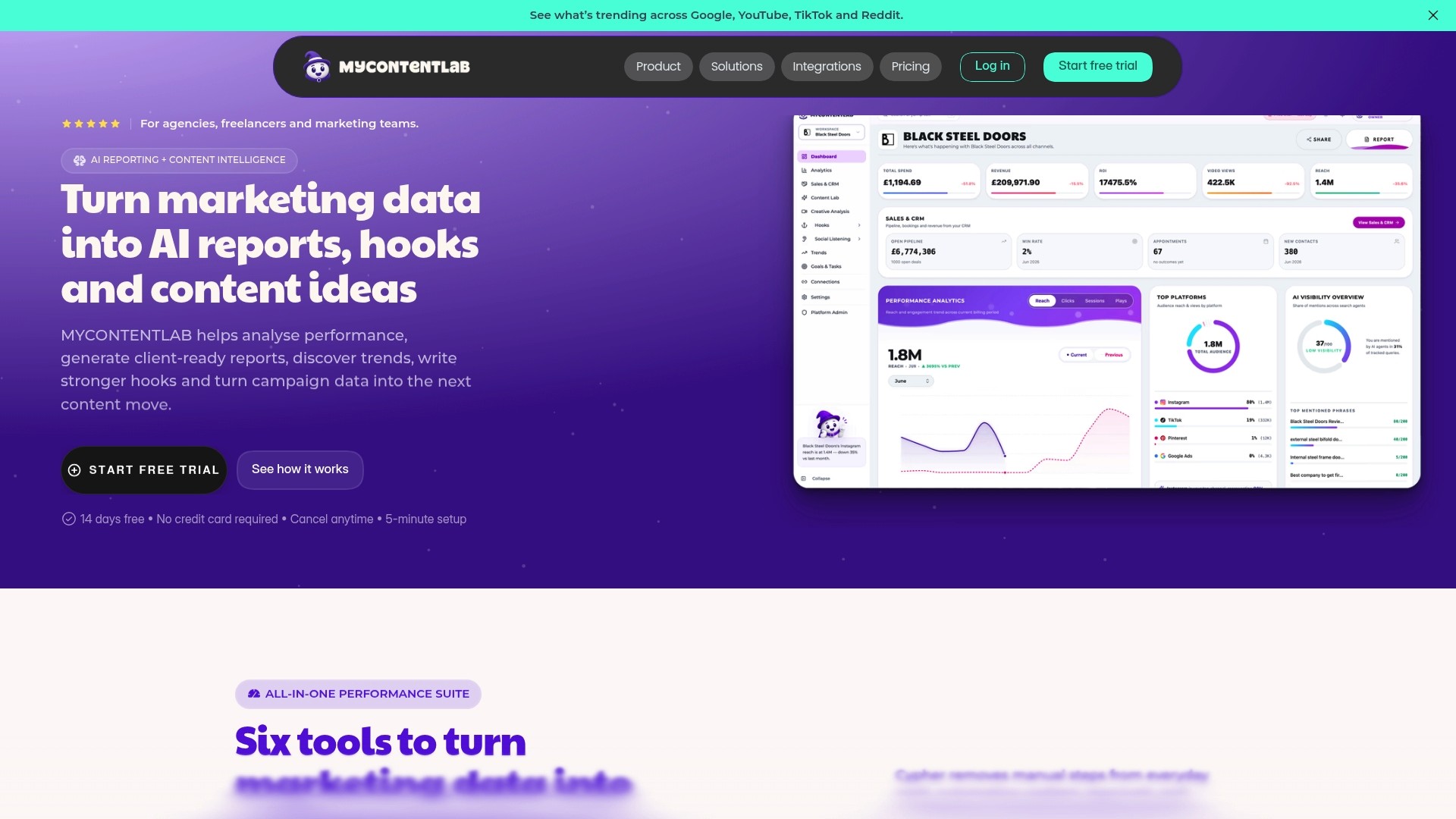
See how Mycontentlab improves productivity and sharpens reporting with real-time data. Visit Mycontentlab to explore its AI-driven tools designed to save you time and deliver client-ready reports in minutes. Try the platform to simplify your reporting and jump from insights directly to campaign-ready ideas.
FAQ
How does Mycontentlab generate performance reports?
Mycontentlab creates performance reports by pulling metrics into branded reports and dashboards. The platform’s AI performance analytics feature automates this process, which saves time on manual reporting. Users can expect to receive comprehensive, customised reports without extensive effort.
What is the difference between Mycontentlab and AgencyAnalytics?
AgencyAnalytics excels in providing integrations with over 85 platforms, helping to centralise performance data from various marketing tools. In contrast, Mycontentlab connects performance data, trend signals, and content creation tools within one workspace, making it ideal for those who primarily manage content planning alongside analytics.
Which platform offers better automation for content planning?
Mycontentlab automates content planning and provides metrics-driven content ideas. Its features specifically allow users to generate hooks based on campaign data, which speeds up the creative process. This makes Mycontentlab particularly suitable for teams looking to maximise their efficiency in content creation.
Can I use Mycontentlab if I manage a single channel?
Yes, Mycontentlab can be beneficial even for those managing a single channel, though independent creators may find its lower-tier plans more suitable for their budget. The flexibility of its features allows it to scale according to the user’s needs.
How does Mycontentlab handle social listening?
Mycontentlab incorporates social listening features to monitor mentions and rising topics across platforms. This functionality helps users stay updated on trends, ultimately aiding in content strategy decisions. Users can expect to align their content with current discussions effectively.
Recommended


Jul 19, 2026


Search



You can also read
Category
All
Compare
Marketing Reporting
Agency Operations
Content Intelligence
Brand Monitoring
Platform Reporting