

Creating your account
Getting started with MyContentLab is quick and straightforward. This guide covers account registration, email verification, and workspace initialization.
Registration steps
- Navigate to app.mycontentlab.ai/register.
- Enter your full name, business email address, and a secure password.
- Click Create Account.
- Check your inbox for the confirmation email and click the verification link to activate your workspace.
text
Registration Form ──> Email Verification ──> Organization Setup ──> Onboarding Wizard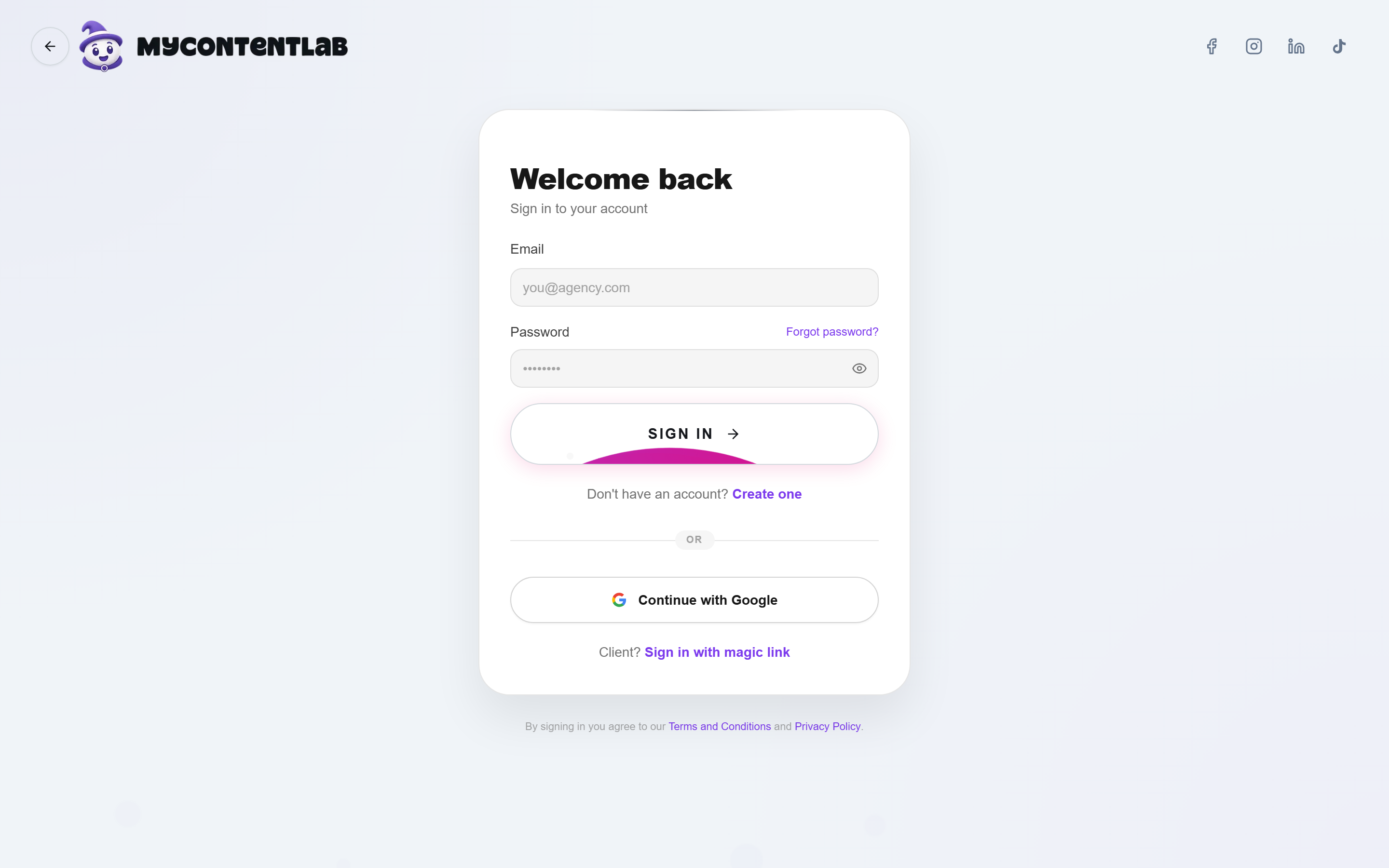
Account security and authentication
MyContentLab provides enterprise-grade security options:
- Password requirements: Minimum 8 characters including letters, numbers, and special characters.
- Two-factor authentication (TOTP): Recommended for all team members. Configure in Account Settings → Security.
- Role permissions: Organization owners can invite team members and assign explicit roles (Owner, Manager, Member, Viewer).
14-day free trial
Every new account starts with full access on a 14-day trial:
- Access to all core modules (Content Lab, Creative Analysis, Social Listening, GEO, CRM).
- Trial allowances for AI runs and video evaluations.
- No credit card required at sign-up.
NOTE
Read more about subscription options in Plans & Pricing.