

Onboarding wizard
The Onboarding Wizard guides you through configuring your organization, setting up initial preferences, and tailoring your interface aesthetics.
Onboarding walkthrough
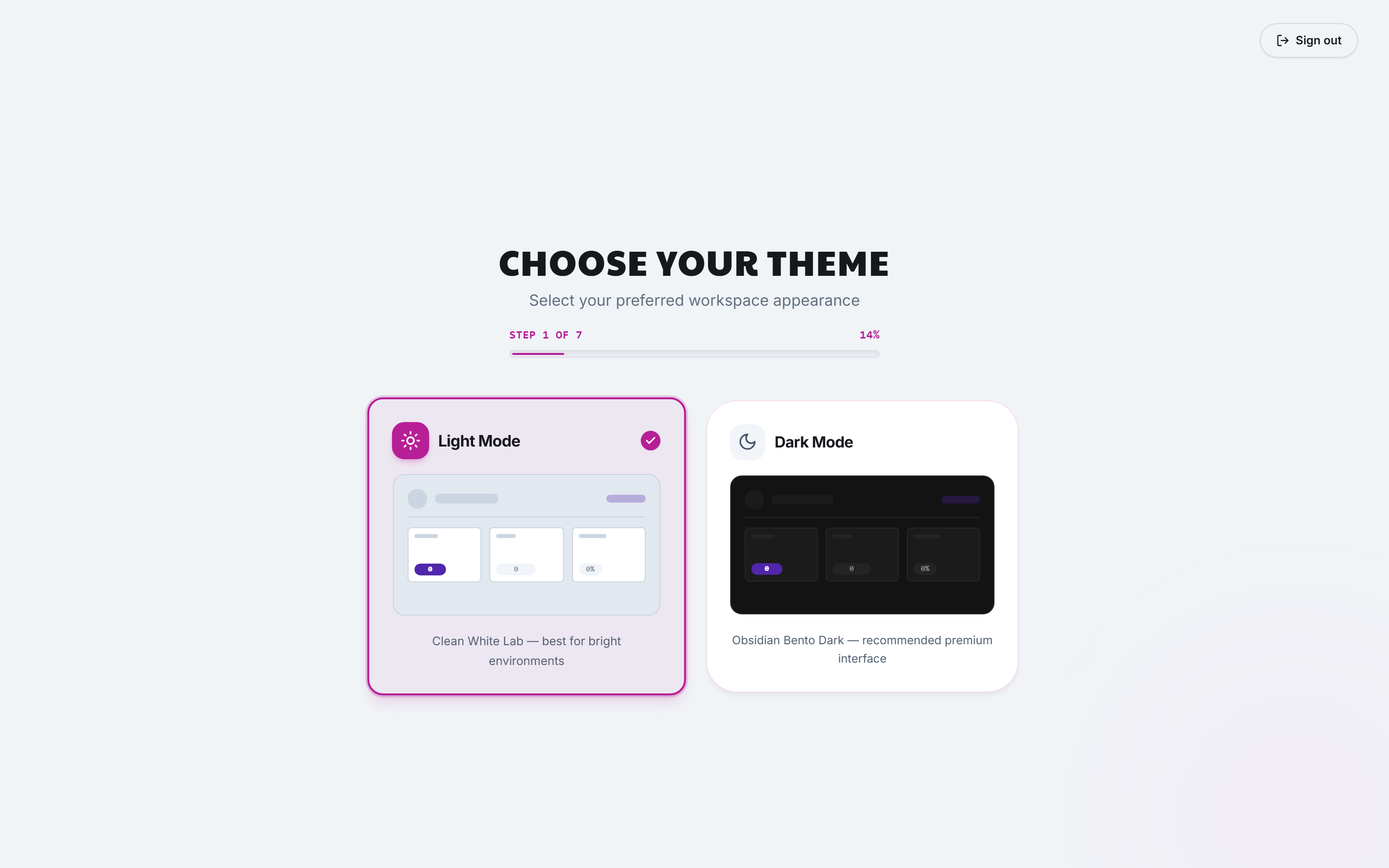
1. Interface theme
Choose your preferred baseline aesthetic:
- Obsidian Bento Dark: High-contrast dark mode optimized for data-dense workflows.
- Clean White Lab: Bright, crisp theme tailored for corporate presentations and client reports.
2. Organization details
Enter your Agency or Company Name, country of operation, and default currency (for example, USD, EUR, GBP).
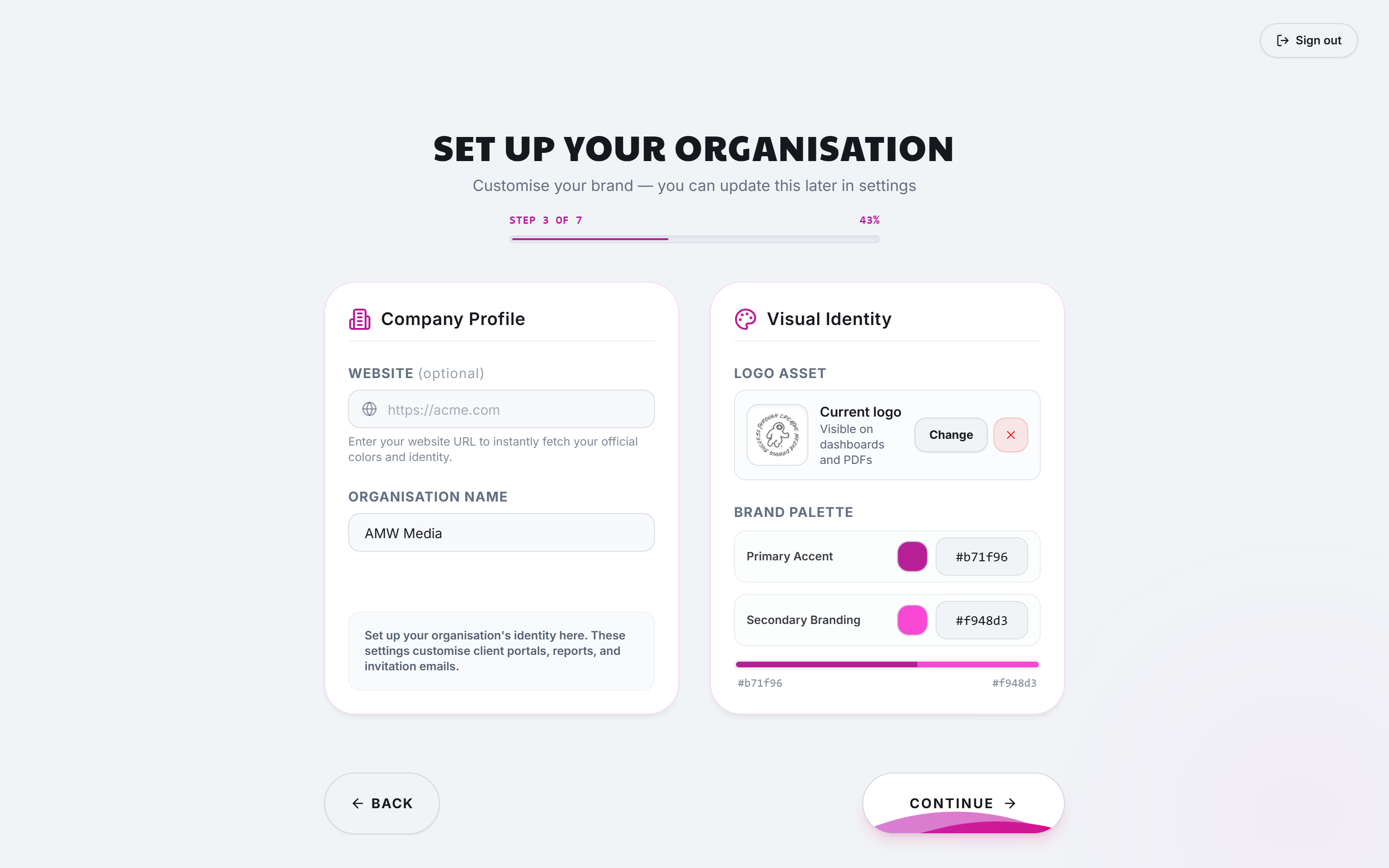
3. Brand identity and logo
Upload your organization's logo. The Brand Color Extractor automatically suggests matching primary, secondary, and accent colors for your client-facing portal.
4. Primary objectives
Select the primary focus areas for your team (such as Organic Video & Hooks, Multi-Platform Analytics, Client White-Label Reporting, AI Visibility & SEO). This customizes your default dashboard views.
Modifying settings post-onboarding
All options chosen during onboarding can be updated in:
- Settings → Organization: General business metadata and defaults.
- Settings → White-Label: Custom portal styling, fonts, and domains.
- Account Settings: Personal profile, notifications, and theme toggle.